> ## Documentation Index
> Fetch the complete documentation index at: https://docs.presenton.ai/llms.txt
> Use this file to discover all available pages before exploring further.

# Find and organize presentations

> Open, rename, duplicate, and remove presentations from the dashboard.

The dashboard is the saved-presentation workspace. Give decks clear names before exporting so the browser record and downloaded files remain easy to identify.

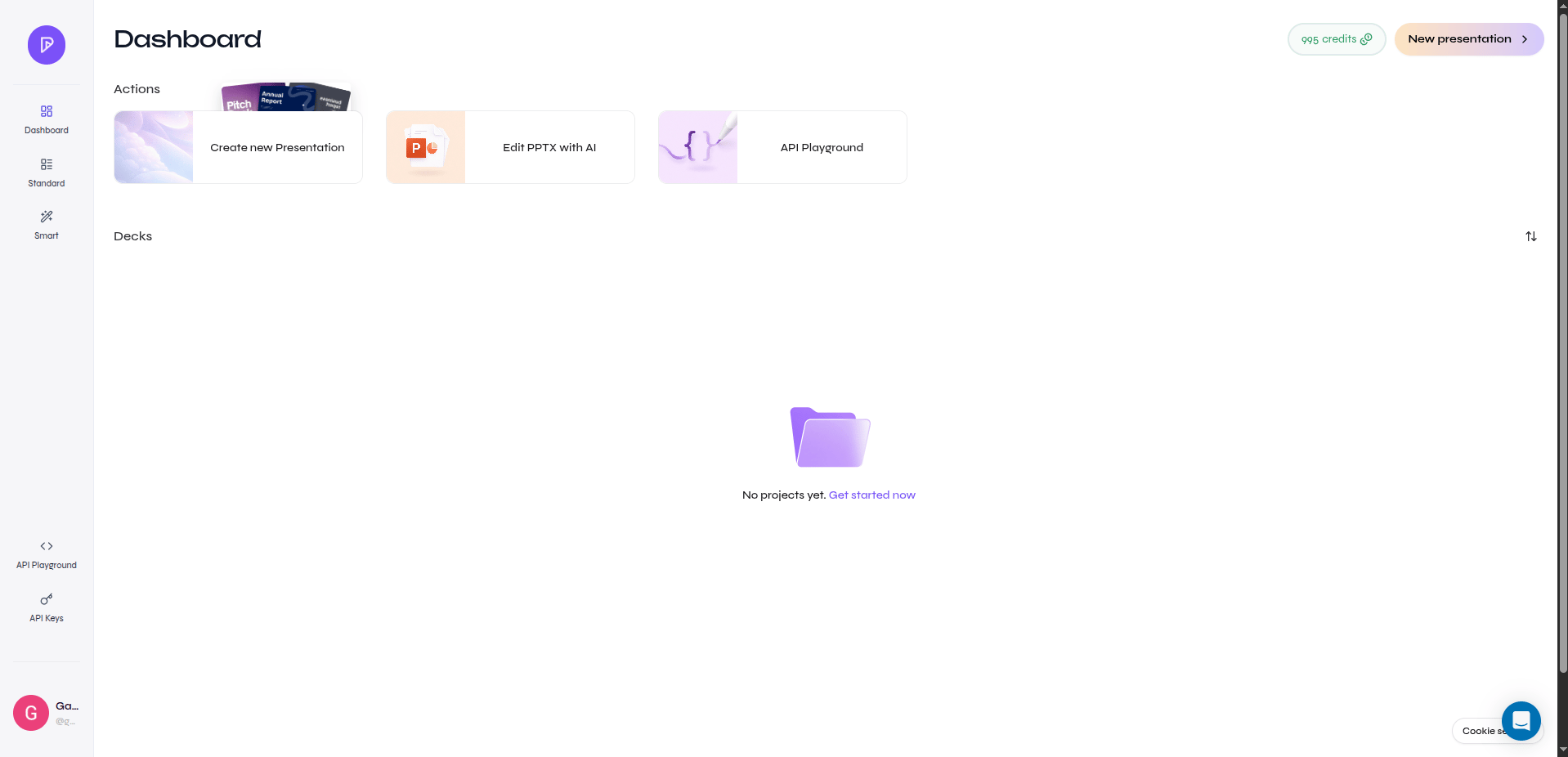
Cloud and open-source dashboards list saved presentations. Select a presentation card to open it, and rename the deck from the title control in the shared editor.

<div className="guide-media">
  <p className="guide-media-label">Dashboard with creation actions and saved presentations</p>

  <div className="guide-media-viewport">
    <img src="https://mintcdn.com/presenton-521d9e2f/isevrd3o6JPIkznF/images/user-guide/creating-presentations/generation-workflow/cloud-dashboard.png?fit=max&auto=format&n=isevrd3o6JPIkznF&q=85&s=caedcd10c5837760c1a8c48f0f6a3d56" alt="Presenton dashboard with creation actions and saved presentations" width="1918" height="926" data-path="images/user-guide/creating-presentations/generation-workflow/cloud-dashboard.png" />
  </div>
</div>

The actions shown on a presentation card can vary by account and release. Where available:

* **Duplicate** creates a separate dashboard copy.
* **Delete** permanently removes the selected presentation.

Confirm the title and preview before using a permanent removal action.

<div className="asset-placeholder">
  <div className="asset-placeholder-inner">
    <p className="asset-placeholder-kicker">Screenshot needed</p>
    <p className="asset-placeholder-title">Presentation card actions</p>
    <p className="asset-placeholder-description">Capture a presentation card menu with Duplicate and Delete visible, without account details or confidential deck content.</p>
  </div>
</div>

## Naming pattern

Use a title that distinguishes purpose and version, for example `Q3 Product Review - Leadership - Final`. Keep draft status in the title only while it is useful, and rename the final deck before export.