> ## Documentation Index
> Fetch the complete documentation index at: https://docs.presenton.ai/llms.txt
> Use this file to discover all available pages before exploring further.
# Content sources
> Choose focused prompts, files, and data for clearer AI-generated presentations.
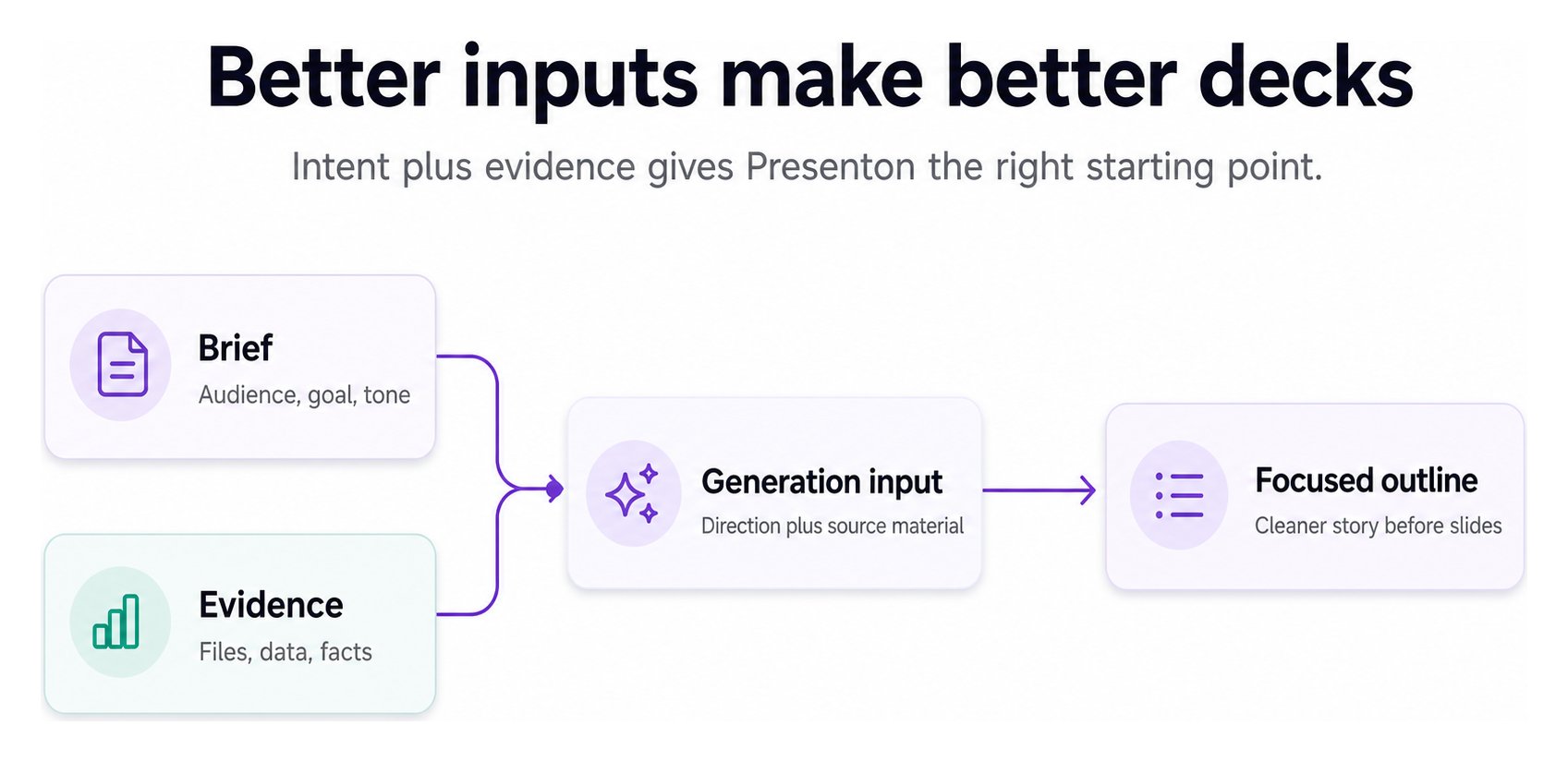
A content source gives Presenton the subject matter for a deck. Your brief tells it what result to create; supporting material supplies the facts and detail.
## Choose the right input
| Source | Best for | Prepare it by |
| --------------------- | ------------------------------------------- | ----------------------------------------------------------- |
| Prompt or brief | A new deck based on a clear idea | Naming the audience, goal, scope, and tone |
| Documents | Summaries, proposals, training, or research | Removing irrelevant pages and identifying must-use sections |
| Structured data | Reports and repeatable automation | Using consistent fields, labels, units, and date ranges |
| Existing presentation | Derivation or design-led workflows | Removing stale slides and checking the source file |
| Images and media | Visual evidence or assets | Using relevant, legible, appropriately licensed files |
## Brief + evidence works better than either alone
 ## Improve source quality
* Include only material relevant to the presentation goal.
* State which facts, quotes, dates, and figures must remain exact.
* Define acronyms and explain internal terminology.
* Make units and reporting periods explicit in structured data.
* Separate instructions from source content when possible.
* Avoid conflicting versions of the same document unless you explain which one should win.
Uploaded or pasted material does not become automatically correct because it appears in a generated slide. Compare important output with the original source before delivery.
## Understand where content is processed
Cloud processes content through the managed service. In self-hosted deployments, the application runs on your infrastructure, but configured external providers may still receive prompts or derived content. Review your provider configuration and data-handling requirements before using sensitive material.
Learn how documents, structured data, images, and charts enter the workflow.
## Improve source quality
* Include only material relevant to the presentation goal.
* State which facts, quotes, dates, and figures must remain exact.
* Define acronyms and explain internal terminology.
* Make units and reporting periods explicit in structured data.
* Separate instructions from source content when possible.
* Avoid conflicting versions of the same document unless you explain which one should win.
Uploaded or pasted material does not become automatically correct because it appears in a generated slide. Compare important output with the original source before delivery.
## Understand where content is processed
Cloud processes content through the managed service. In self-hosted deployments, the application runs on your infrastructure, but configured external providers may still receive prompts or derived content. Review your provider configuration and data-handling requirements before using sensitive material.
Learn how documents, structured data, images, and charts enter the workflow.