> ## Documentation Index
> Fetch the complete documentation index at: https://docs.presenton.ai/llms.txt
> Use this file to discover all available pages before exploring further.
# Create the first draft. Finish the deck in Presenton.
> Use Presenton as an open-source AI presentation generator for editable PPTX and PDF decks.
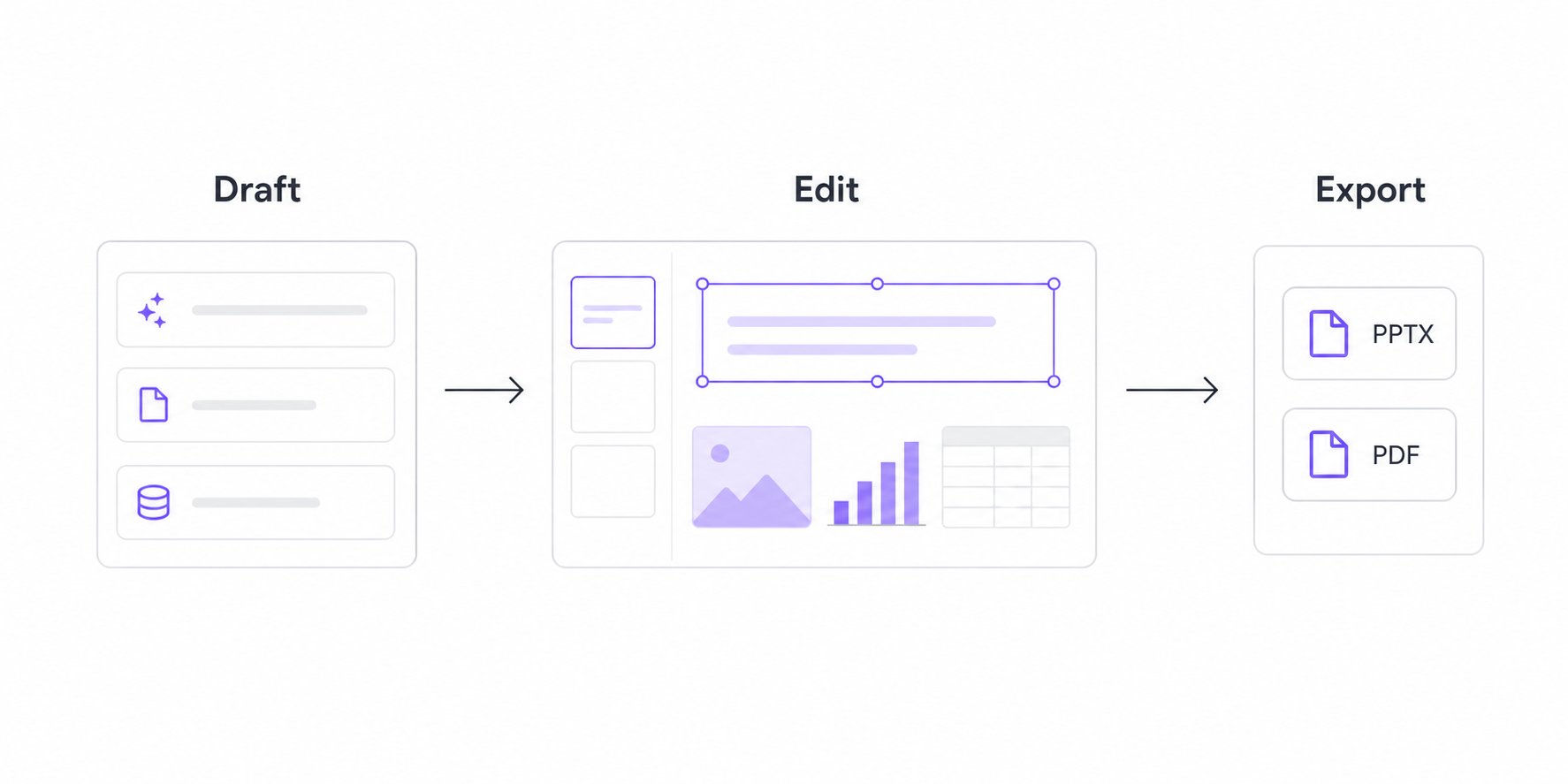
Presenton is an open-source AI presentation generator for teams, developers, and creators who need more than a static slide image. Start with a prompt, document, data, or API request; review the outline; generate with a reusable design; edit the result; and export to **PPTX** or **PDF**.
## Watch Presenton in action
## Draft, edit, export
Presenton is built for the whole path from first draft to final deck. Generate a structured presentation, refine the editable slide elements, then export when it is ready to share.
 ## Start your way
Create in the browser with managed infrastructure, providers, storage, and updates.
Use Docker or the desktop app when you need control over deployment, storage, and model providers.
Use the presentation generation API to create, track, edit, and export decks from your own product or workflow.
## One workflow, editable end to end
## Start your way
Create in the browser with managed infrastructure, providers, storage, and updates.
Use Docker or the desktop app when you need control over deployment, storage, and model providers.
Use the presentation generation API to create, track, edit, and export decks from your own product or workflow.
## One workflow, editable end to end
1
Give Presenton source material and review the outline.
2
Generate a deck with a reusable design or template.
3
Edit the result, verify the content, and export PPTX or PDF.
## Built for how you work
### Keep sensitive presentation work under your control
Self-host Presenton when privacy, compliance, or internal deployment requirements matter. You choose the infrastructure, storage, authentication, network boundary, and supported model providers.
Start with Docker in five minutes and explore support for custom enterprise requirements.
### Build presentation generation into your product
Use REST APIs, asynchronous tasks, webhooks, or the self-hosted MCP workflow to create presentations from applications, internal tools, and recurring data processes.
Compare Cloud v3 with self-hosted v1 before implementing an integration.
### Design without losing editability
Build branded decks with reusable templates and refine them on a structured canvas. Edit typography, images, shapes, tables, charts, layouts, slides, and selected components with targeted AI assistance.
See the current creation, editing, template, and export capabilities.
## Explore the documentation
Create, edit, brand, organize, and export presentations.
Install, configure, secure, and operate self-hosted Presenton.
Build with Cloud v3 or the self-hosted v1 API.
Diagnose generation, editing, export, hosting, and integration problems.
AI-generated slides are a draft. Verify facts, figures, citations, and brand requirements before presenting or publishing them.