

Watch Presenton in action
Draft, edit, export
Presenton is built for the whole path from first draft to final deck. Generate a structured presentation, refine the editable slide elements, then export when it is ready to share.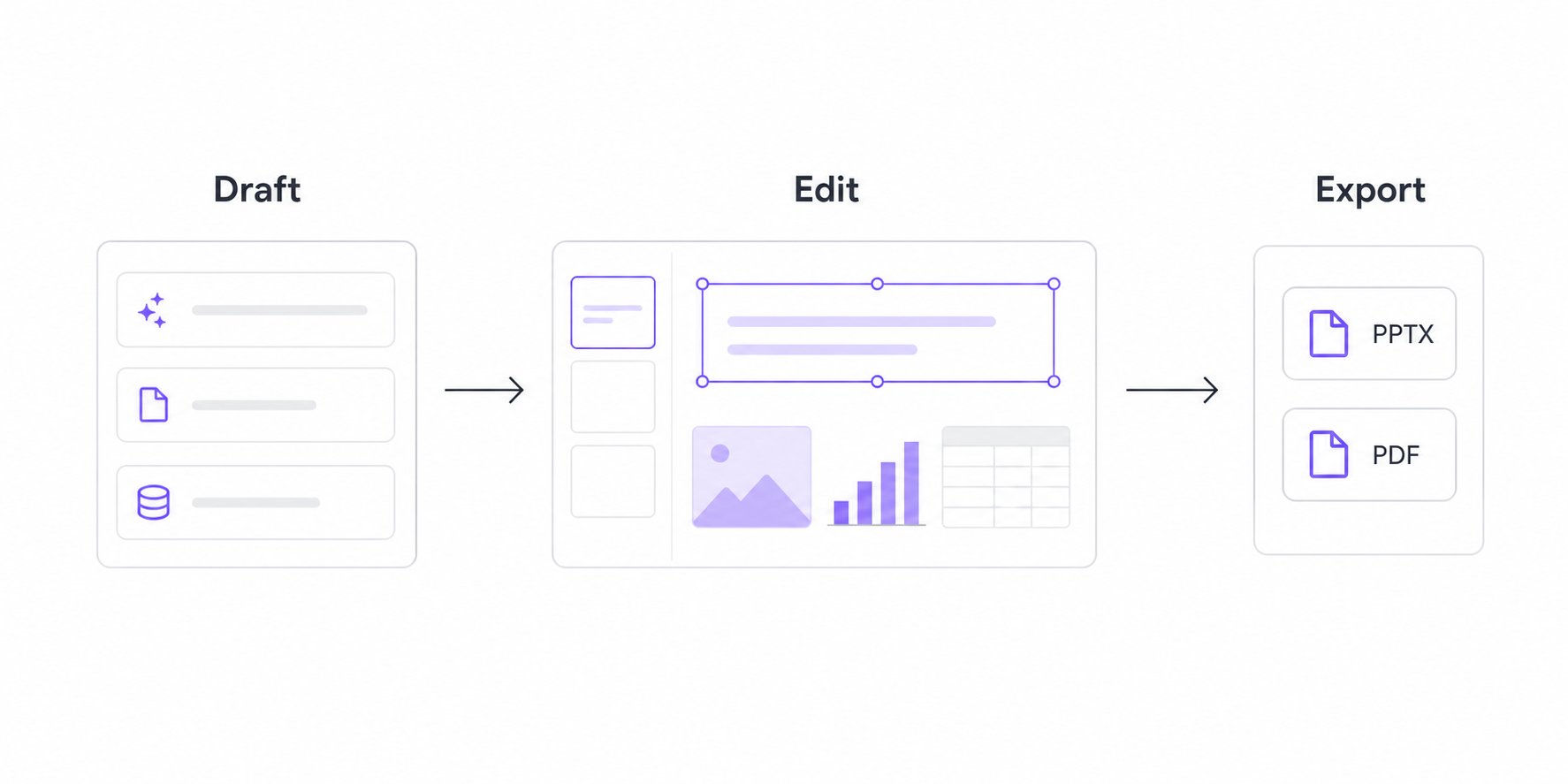
Start your way
Start in Presenton Cloud
Create in the browser with managed infrastructure, providers, storage, and updates.
Run Presenton yourself
Use Docker or the desktop app when you need control over deployment, storage, and model providers.
Building a product or workflow? Start with the API
Use the presentation generation API to create, track, edit, and export decks from your own product or workflow.
One workflow, editable end to end
1
Give Presenton source material and review the outline.
2
Generate a deck with a reusable design or template.
3
Edit the result, verify the content, and export PPTX or PDF.
Built for how you work
- Enterprises
- Developers
- Creators
 Enterprises
 Developers
 Creators
Keep sensitive presentation work under your control
Self-host Presenton when privacy, compliance, or internal deployment requirements matter. You choose the infrastructure, storage, authentication, network boundary, and supported model providers.Plan a secure deployment
Review architecture, configuration, security, backups, monitoring, and upgrades.
Explore the documentation
User Guide
Create, edit, brand, organize, and export presentations.
Hosting
Install, configure, secure, and operate self-hosted Presenton.
API Documentation
Build with Cloud v3 or the self-hosted v1 API.
Troubleshooting
Diagnose generation, editing, export, hosting, and integration problems.
AI-generated slides are a draft. Verify facts, figures, citations, and brand requirements before presenting or publishing them.