

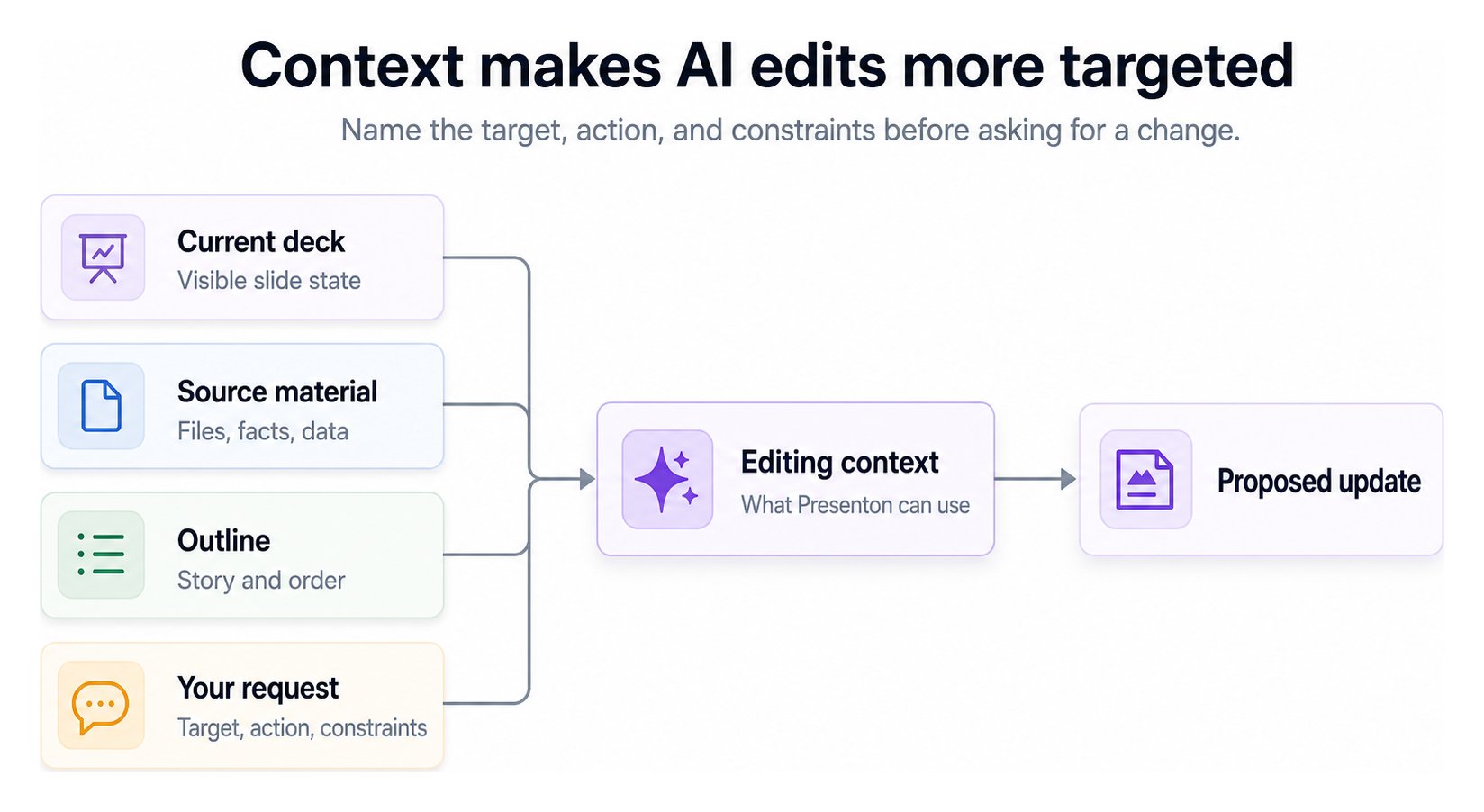
Write an actionable edit request
Use this pattern:Protect important information
- Repeat exact facts that must survive an edit.
- Name the slide, section, or element being changed.
- Point to the relevant source when the request depends on it.
- Split unrelated changes into separate requests.
- Review the visible result after every AI-assisted edit.
Treat the saved presentation—not assumed model memory—as the record of the current deck. If a detail matters, make it explicit in the request and verify it afterward.
Context and persistence
Cloud manages application storage for the hosted workflow. In a self-hosted deployment, keep/app_data persistent so presentations, uploads, generated assets, settings, and local application state survive container replacement.
Storage and processing
Configure persistence for a self-hosted deployment.