

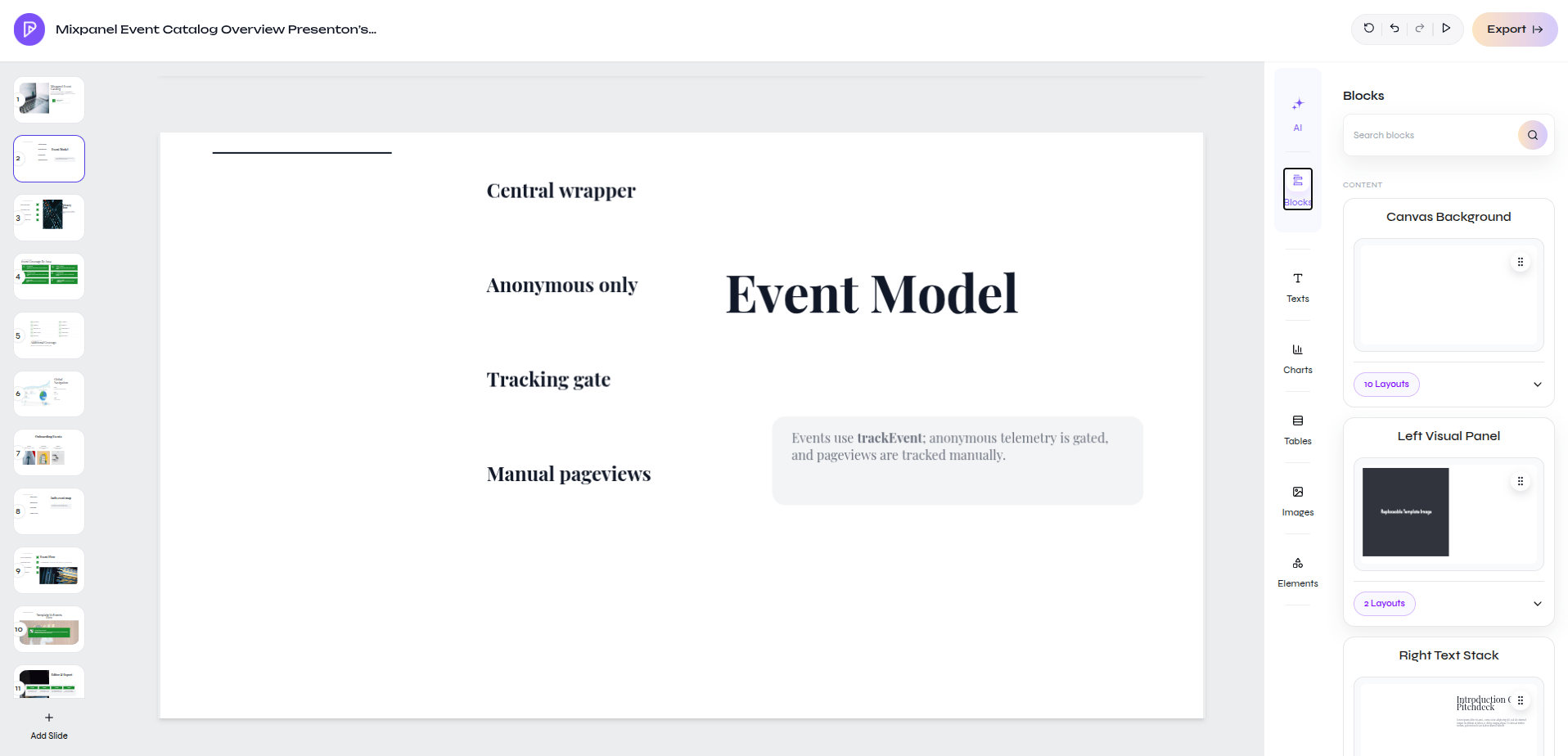
Browse block families beside the active slide
Add a block
1
Open Blocks
Select Blocks in the editor rail.
2
Find the content pattern
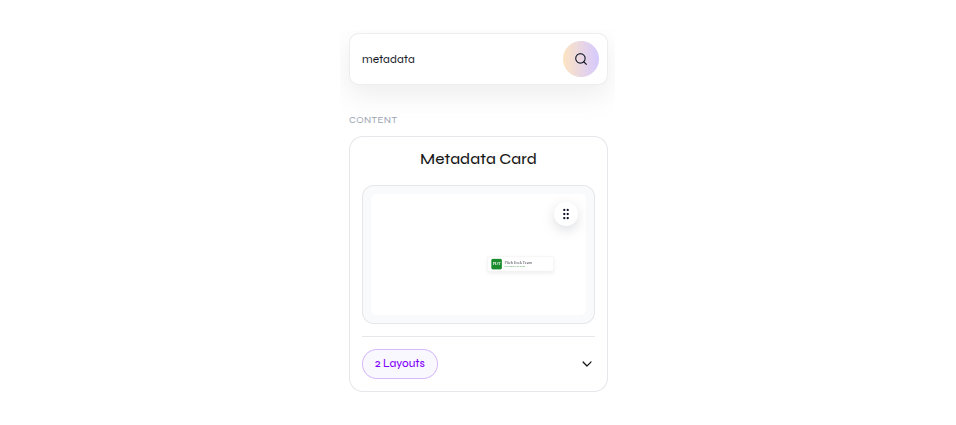
Search by purpose, such as
metadata, or browse the available block families.3
Review layout variants
Expand the layout count on a block card and choose the variant that matches the slide.
4
Check the result
Confirm that the inserted content fits the slide and follows the surrounding design.
Search result for a Metadata Card with two layouts
Edit individual elements
Move or resize an inserted element on the canvas.