

Edit the selected content
- Open the slide you want to change.
- Select the text, image, shape, or other canvas element.
- Check the chips above the prompt. The recording shows both Slide 1 and the selected ungrouped component.
- Describe the requested change and send the prompt.
- Review the edited element and the rest of the slide before continuing.
The slide chip makes the current prompt scope visible
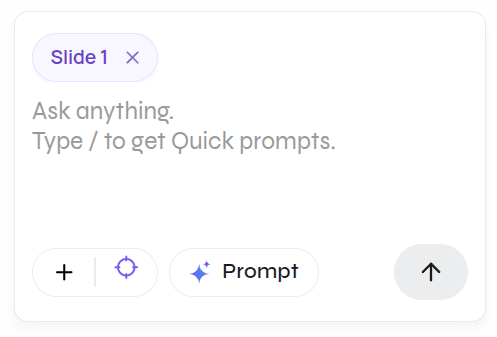
Check scope before every prompt
- Remove a chip when that slide or element should not be part of the request.
- Name the intended object in the prompt when the change must be precise.
- Restate anything that must remain unchanged.
- Verify the visible result; a context chip guides the request but does not replace review.