

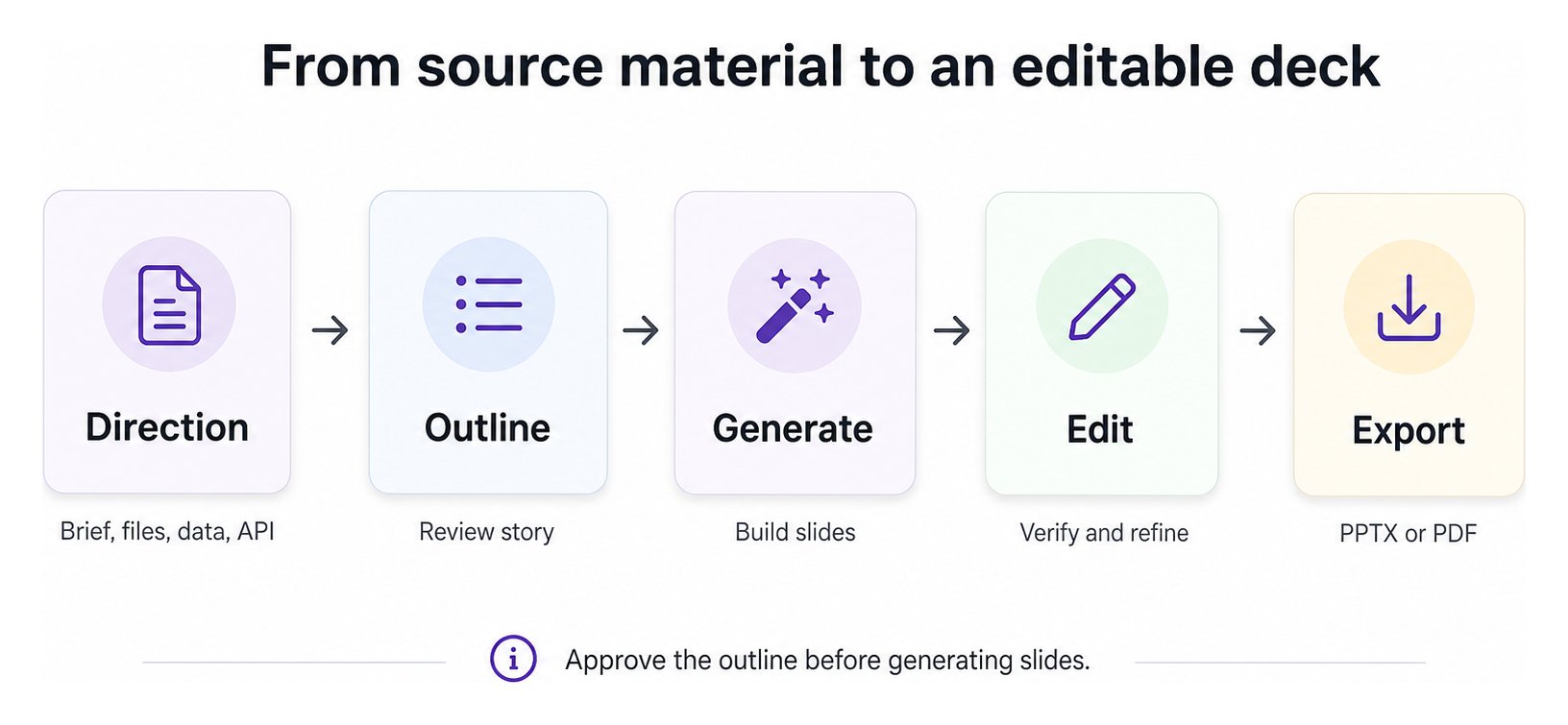
1. Add direction and sources
Provide a topic or brief. Add relevant files or structured input when the deck must reflect existing material. Generation controls can further describe tone, language, length, and visual preferences. Your checkpoint: Is the goal clear, and is the source focused enough to support it?2. Review the outline
Presenton proposes the narrative before building the deck. Reorder sections, remove weak ideas, and add missing details while the deck is still easy to reshape. Your checkpoint: Would this outline make sense without seeing the slides?3. Generate the slides
Presenton maps the approved story into the selected presentation format and template. It creates supported text, images, shapes, tables, charts, and layout elements for each slide. Your checkpoint: Does the template suit the audience and content density?4. Edit and verify
Refine the generated deck using the editing tools available in your deployment mode. Check names, dates, figures, claims, citations, layout, and image relevance. Editing changes the generated presentation. It does not automatically send the deck back to the outline step; outline review happens before generation, and outline regeneration is a separate outline-page action. Your checkpoint: Could someone act on incorrect content? If yes, verify it against the original source.5. Export
Export to PPTX when the deck needs continued editing in PowerPoint-compatible software. Export to PDF when you need a fixed-layout review or delivery copy.What changes by deployment mode
Cloud
Cloud
Presenton manages the application, providers, processing, storage, and export runtime. Browser and API workflows use Cloud capabilities and the v3 API.
Self-hosted
Self-hosted
Your deployment uses the providers, storage, authentication, and compute you configure. Browser and automation workflows use the self-hosted application and v1 API.
Understand the generation states
Learn what happens during synchronous and asynchronous generation.