

Before you start
- Make sure you can sign in to your Pexels account.
- Use the account that should own the API key.
Get a Pexels API key
1
Open the Pexels account menu
On the Pexels website, open the account menu in the top-right corner and select Log in if you are not already signed in.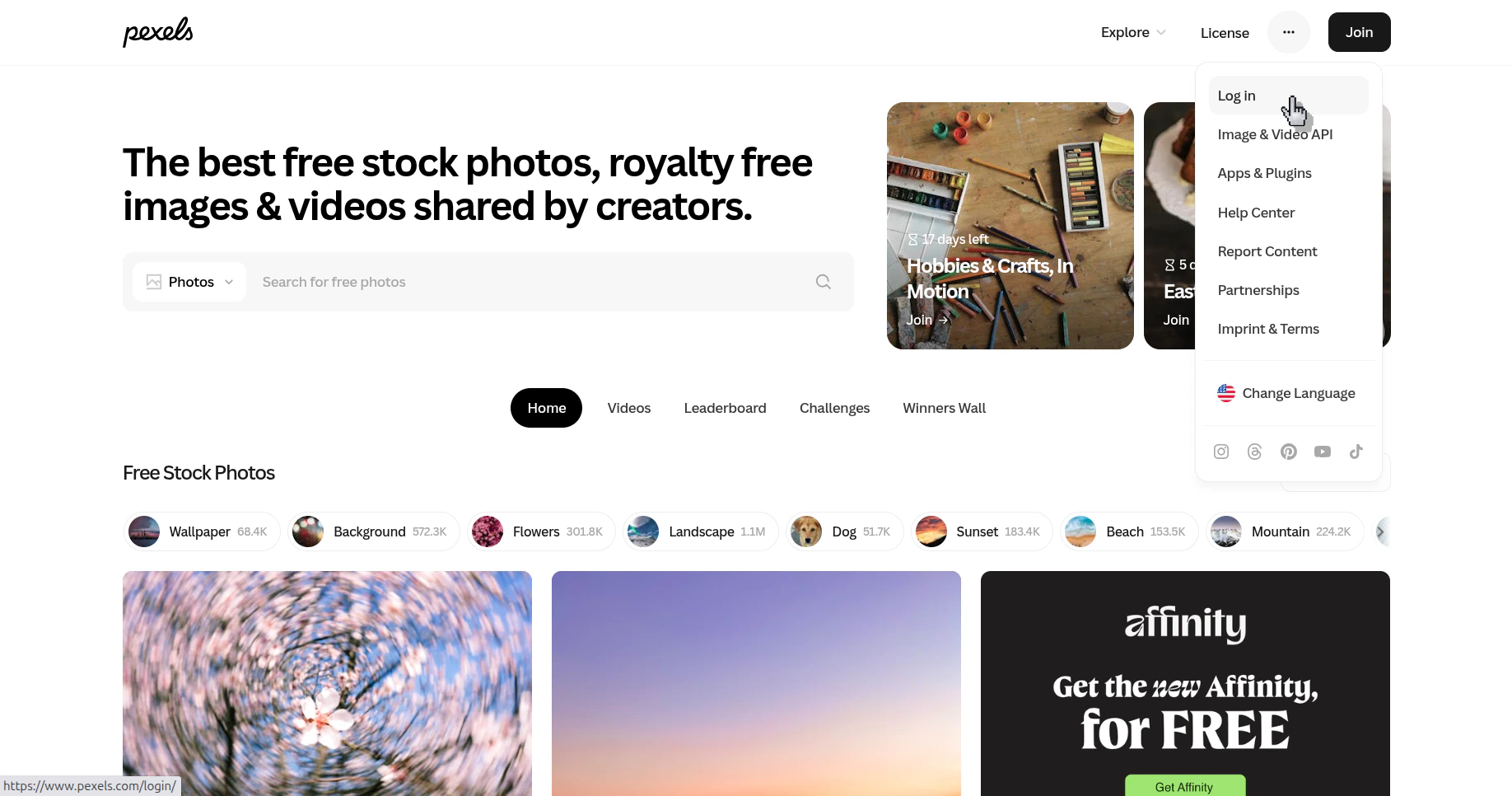
Open the Pexels account menu and go to the login page
2
Sign in to your Pexels account
Log in with your email or one of the available sign-in providers.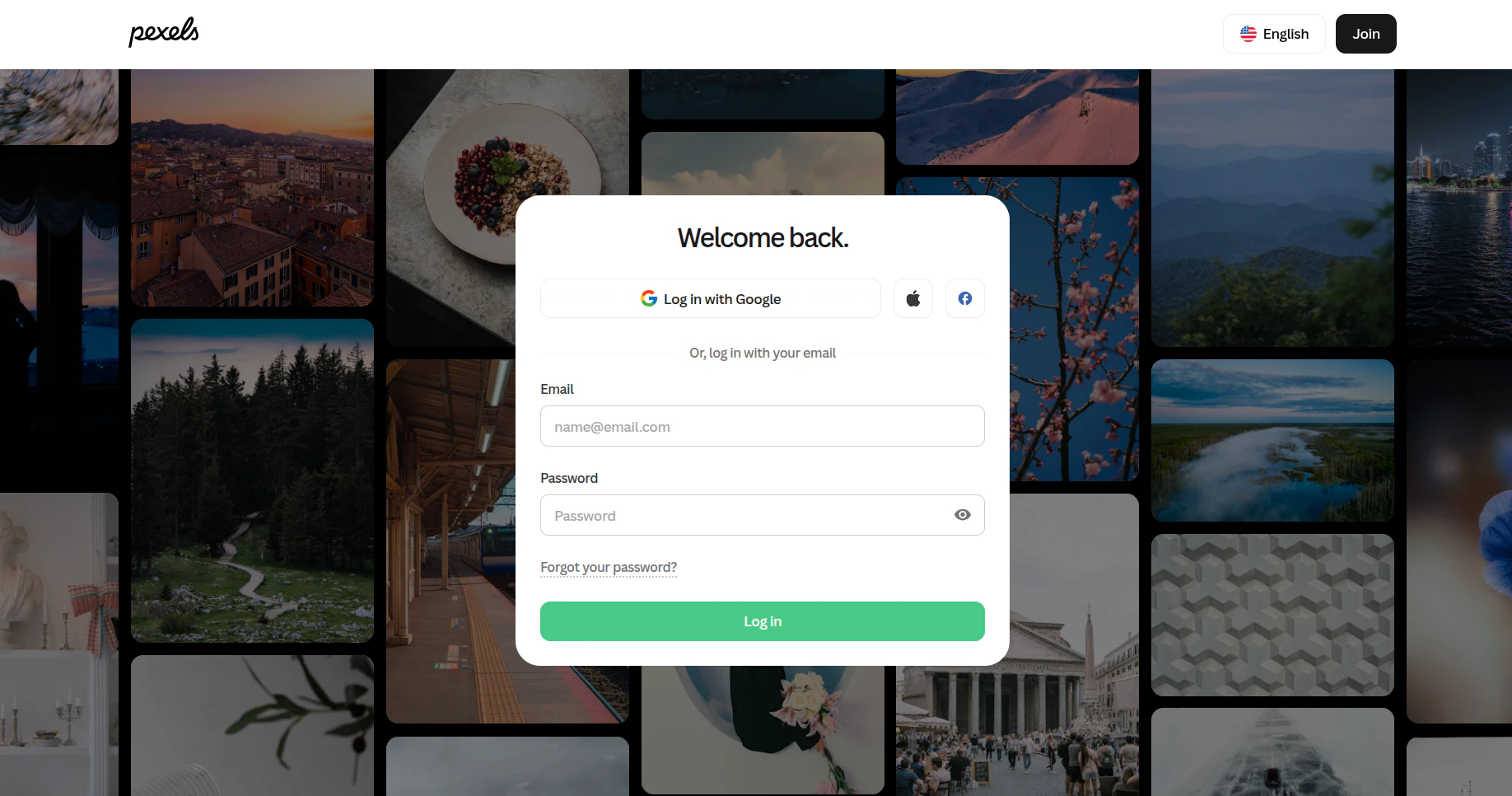
Sign in to the Pexels account that will own the API key
3
Open the Image & Video API section
After signing in, open the account menu again and select Image & Video API.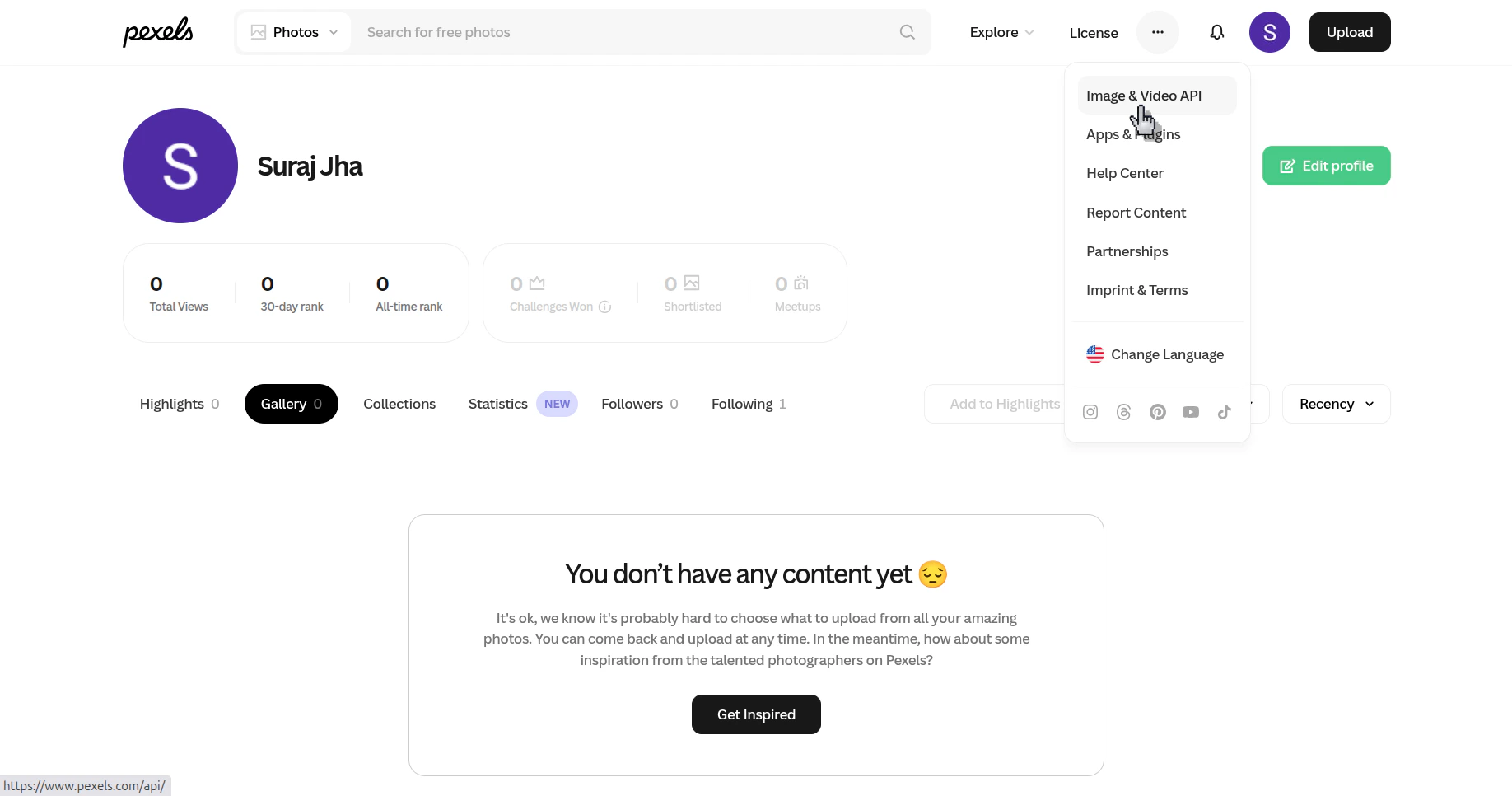
Open the API area from the Pexels account menu
4
Open your API key page
On the Pexels API page, click Your API Key.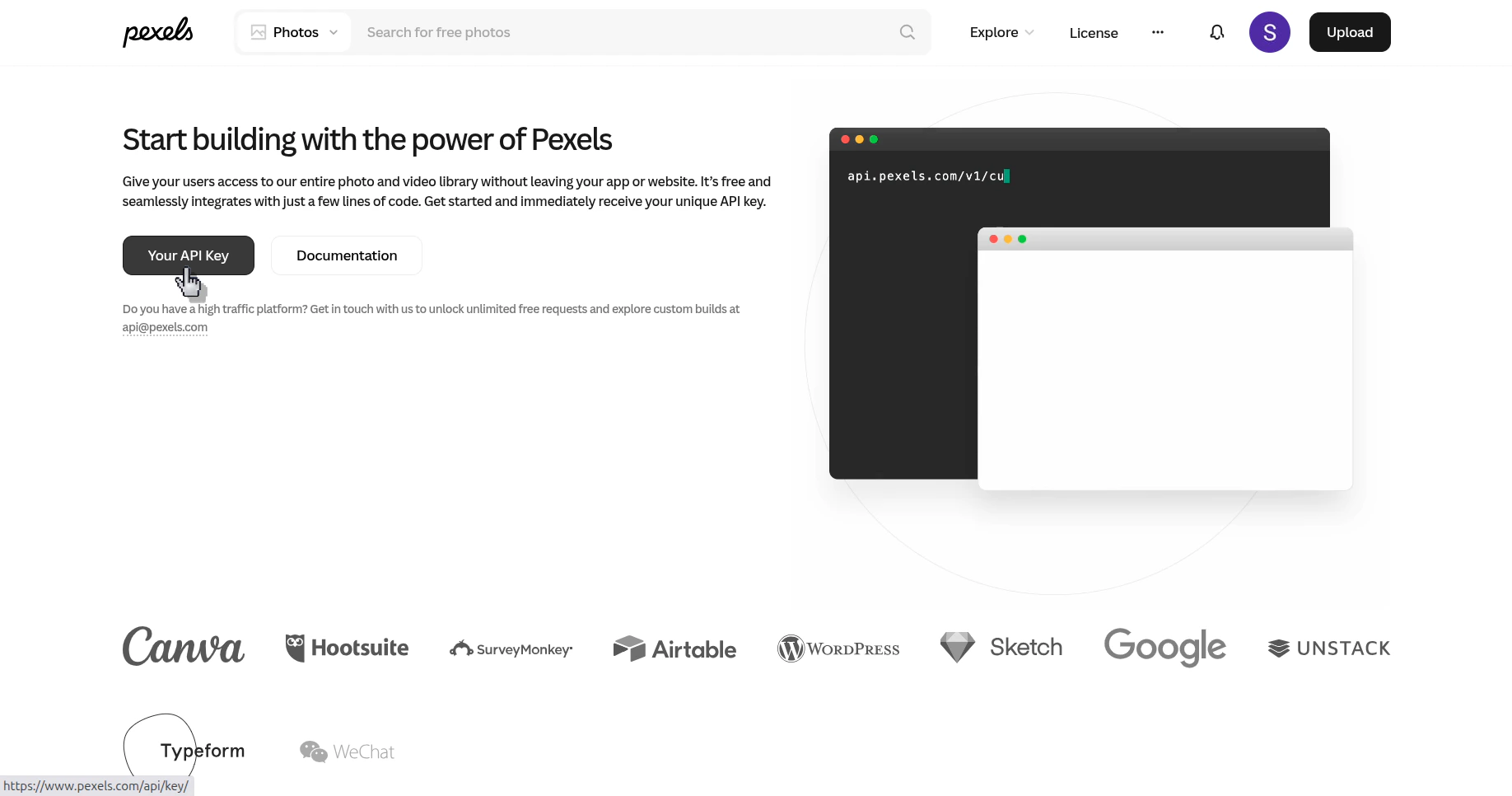
Open the page that shows your personal Pexels API key
5
Copy the API key
On the Your API Key page, use the copy button to copy the key.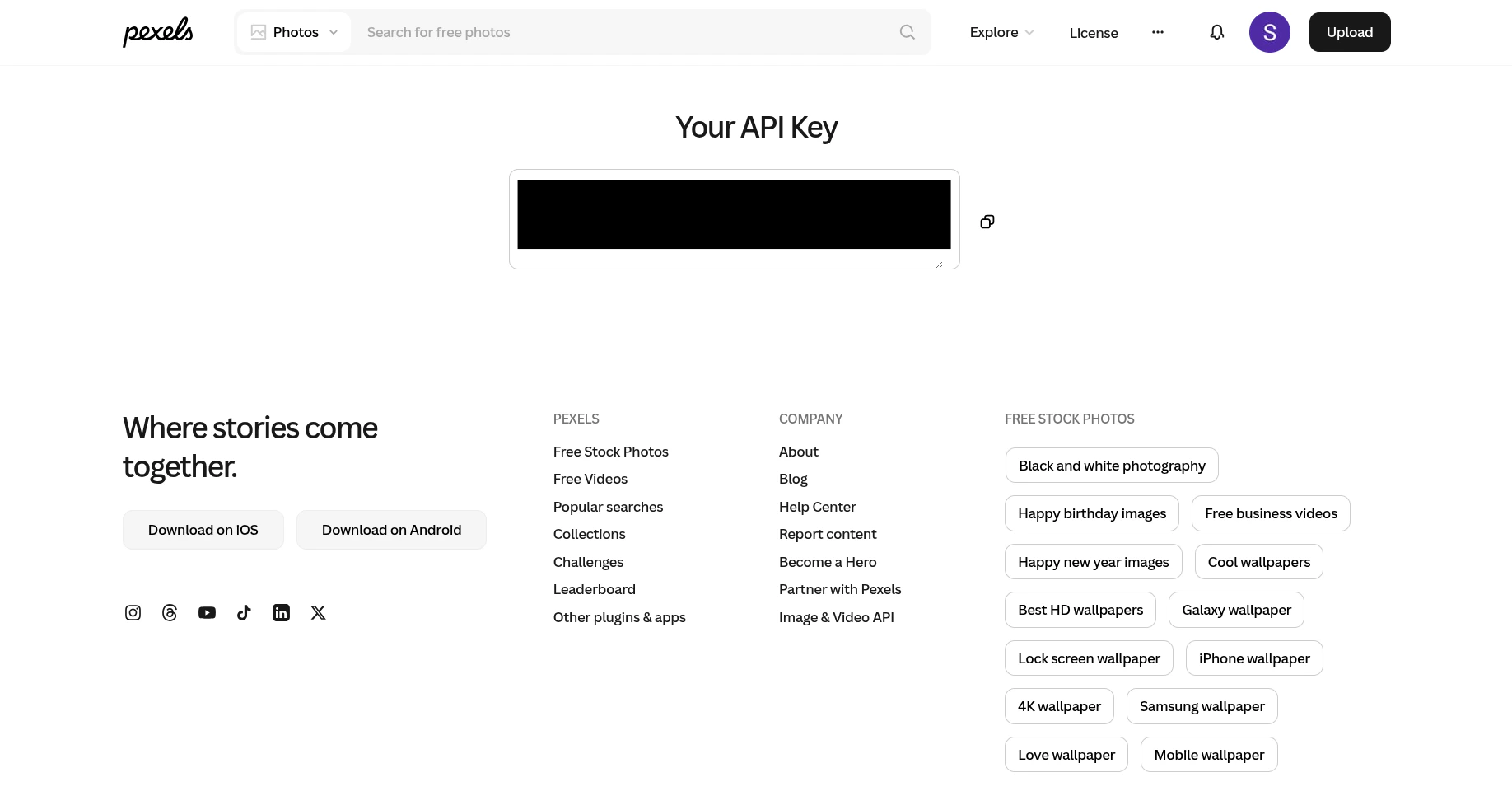
Copy the API key from the Pexels account
Verify the result
You can copy the Pexels API key from your account and paste it into the place where the integration asks for it.