

Slide count
Choose Auto slides when the right length depends on the topic, or select a specific number when you have a fixed meeting format or delivery time.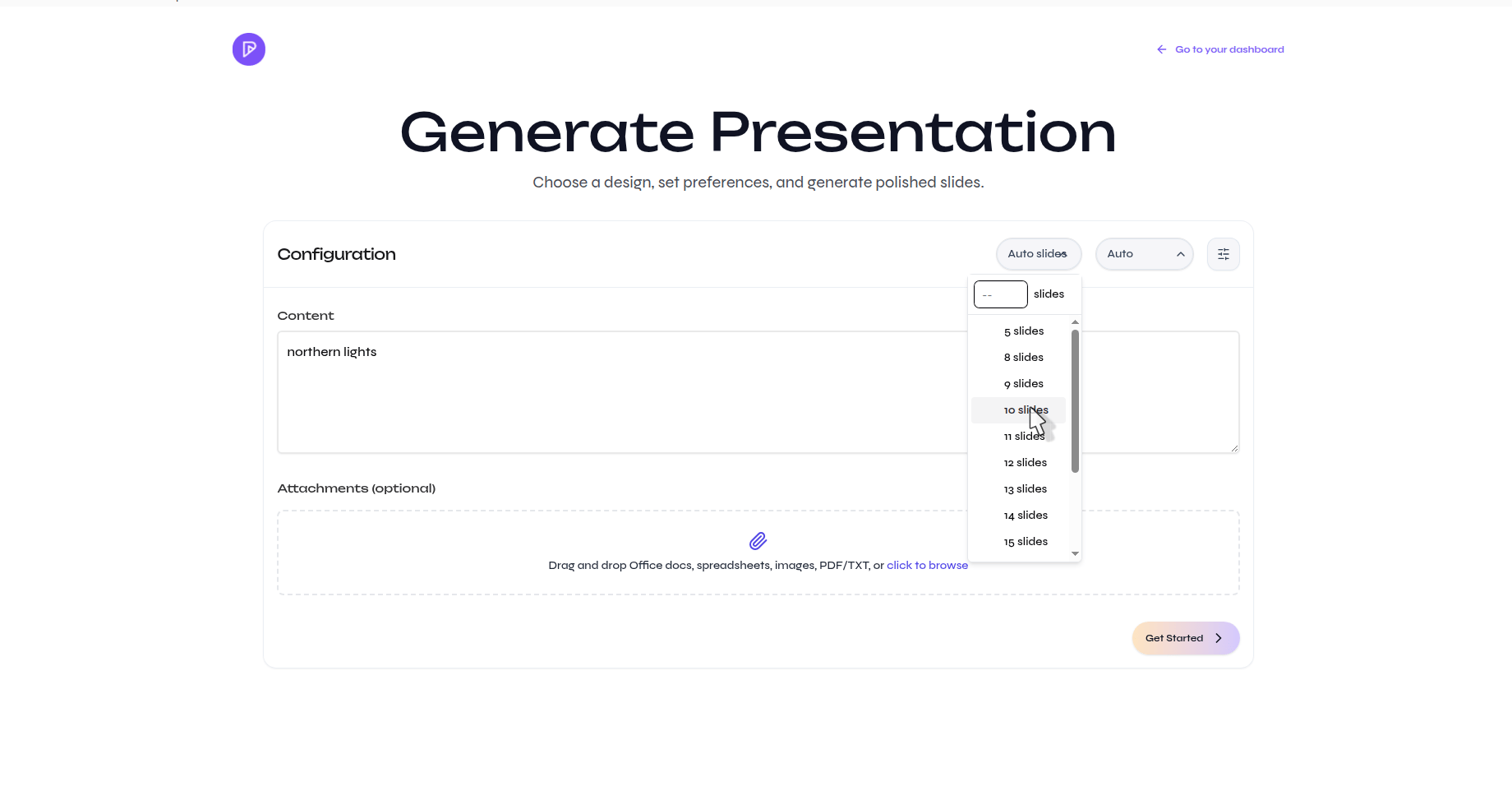
Output language
Leave the language on Auto to follow the prompt or source, or choose the language explicitly when the input and presentation should use different languages.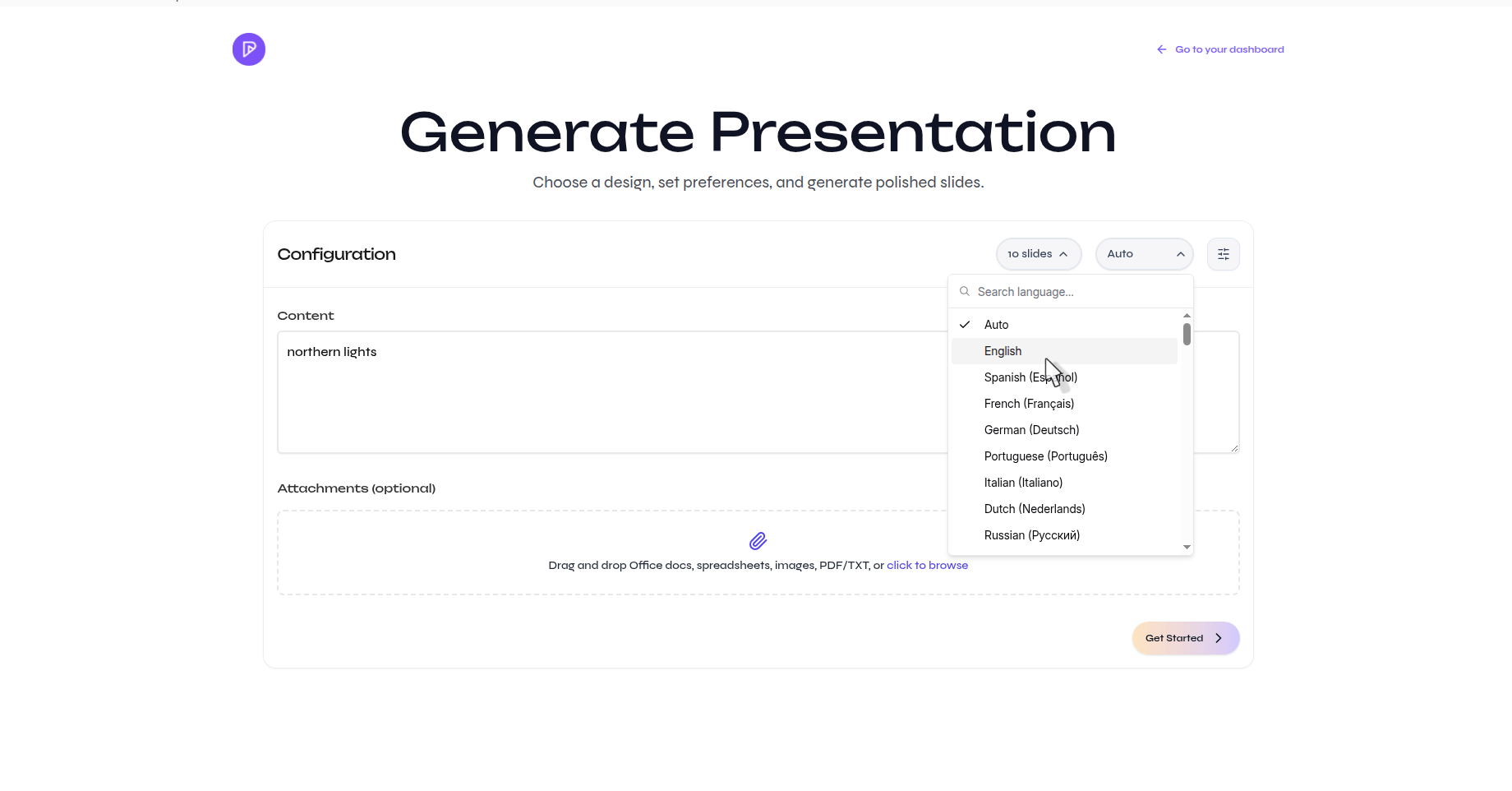
Advanced settings
Open the settings button beside the language control to configure the first draft in more detail.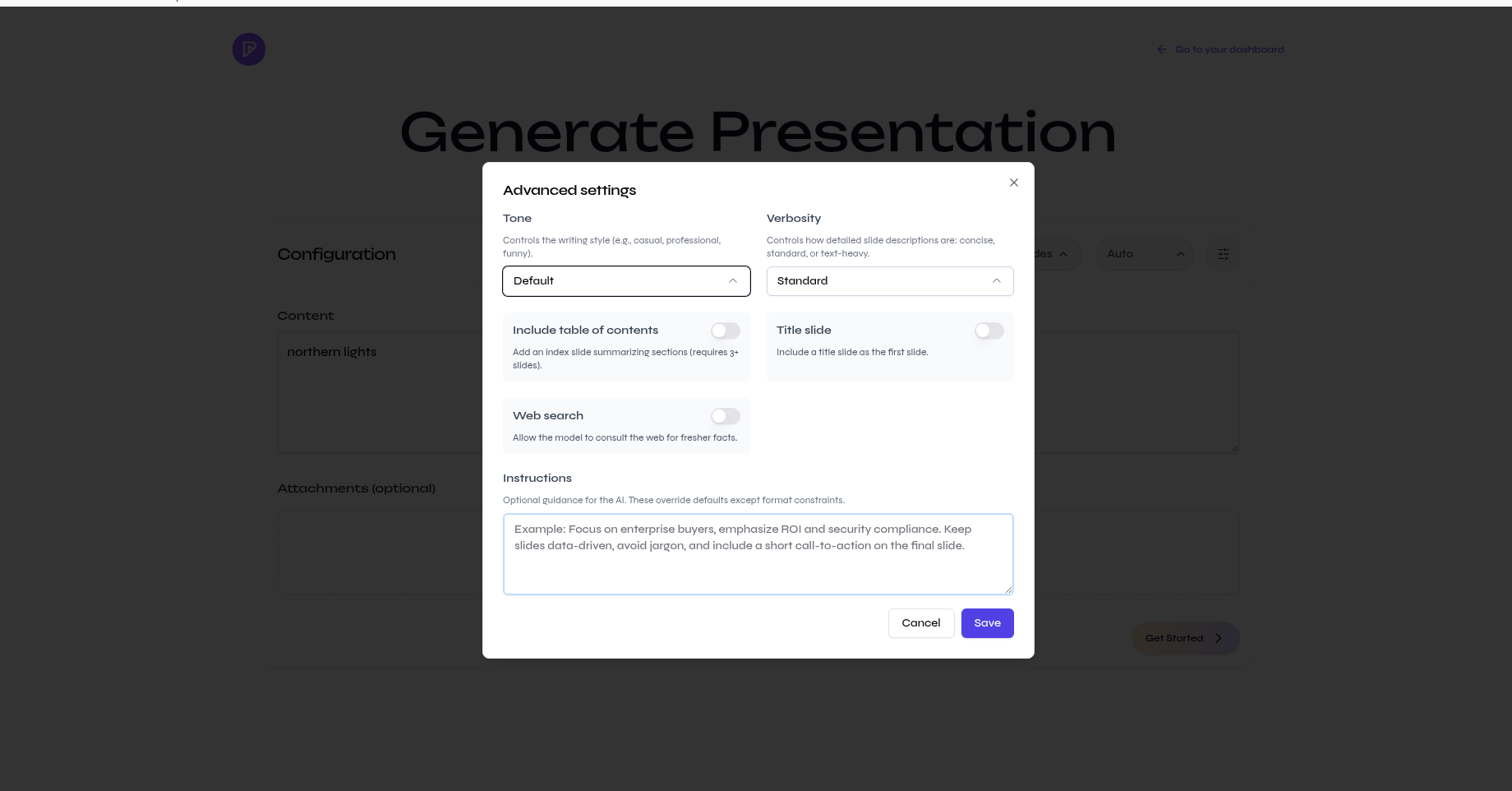
Write effective instructions
Use the instruction field for constraints, not for repeating the topic. A useful instruction identifies the audience, priority, and anything that must remain unchanged.Focus on enterprise buyers. Emphasize ROI and security compliance. Keep all reported figures unchanged, avoid jargon, and end with a short call to action.
Generation settings guide the first draft. Always review the outline and verify important facts before creating or exporting the final presentation.
Create your first presentation
See how these controls fit into the complete prompt-to-export workflow.