

Before you start
- Sign in to Presenton Cloud.
- Start with one clear source document.
- Decide who the presentation is for and what they should learn or do next.
- Note any important figures, names, or dates so you can verify them in the generated slides.
Build the presentation
1
Open the presentation generator
From the Cloud dashboard, choose Create presentation to open the Generate page.
2
Upload the source document
Select the attachment area and choose the source file. Wait until its filename appears below the upload area.You can generate from the document alone or add an instruction in Write prompt to control the audience, emphasis, and outcome. For example: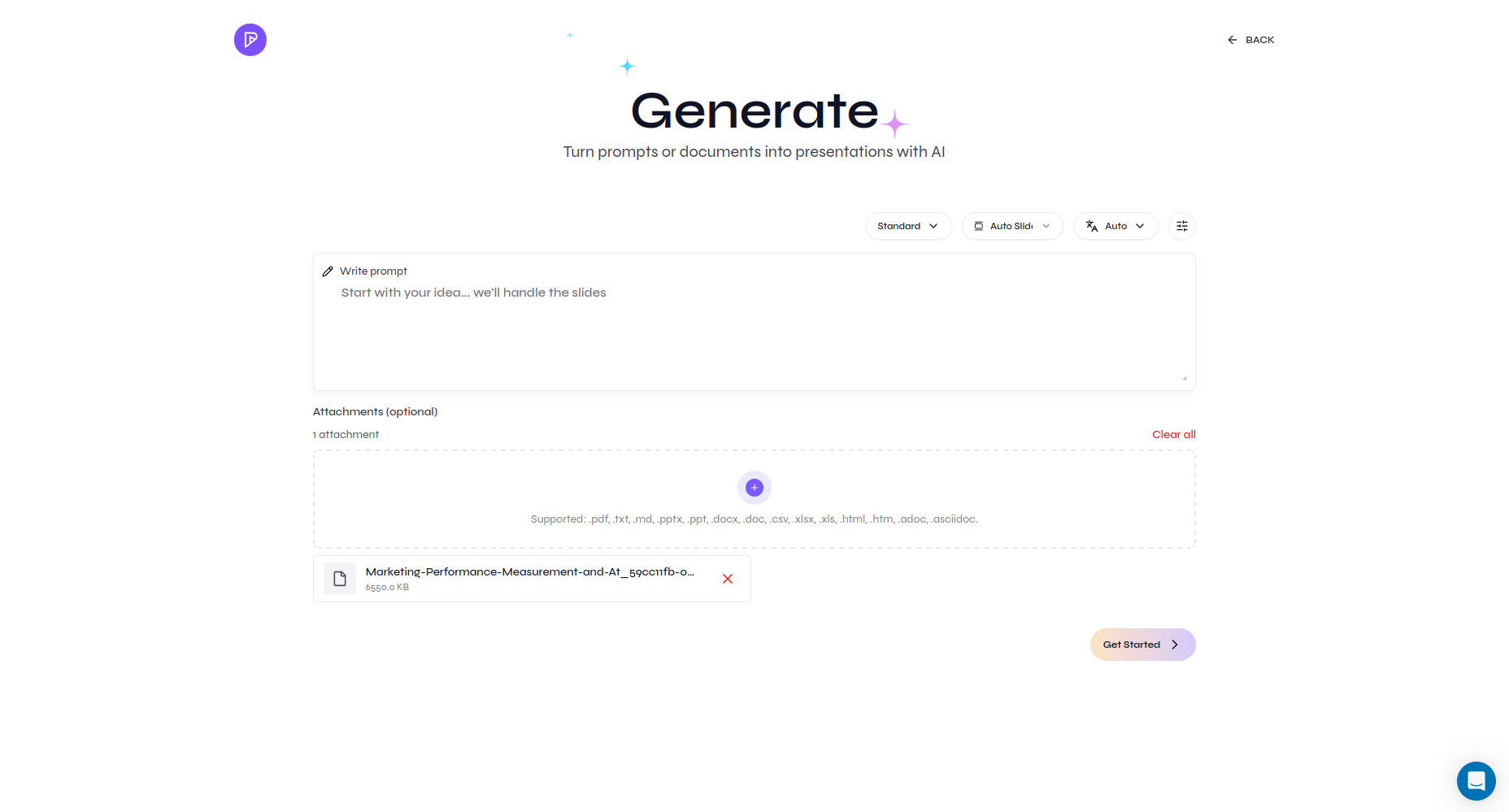
Turn this report into a seven-slide executive update. Focus on performance, risks, and recommended next steps. Preserve all reported figures exactly.
3
Choose focused settings
Select the presentation type, language, and an appropriate slide count. Open advanced settings if you need a particular tone, content density, title slide, table of contents, or additional instruction.
4
Process the document
Select Get Started. Presenton uploads and processes the document before creating the outline. Keep the page open until processing finishes.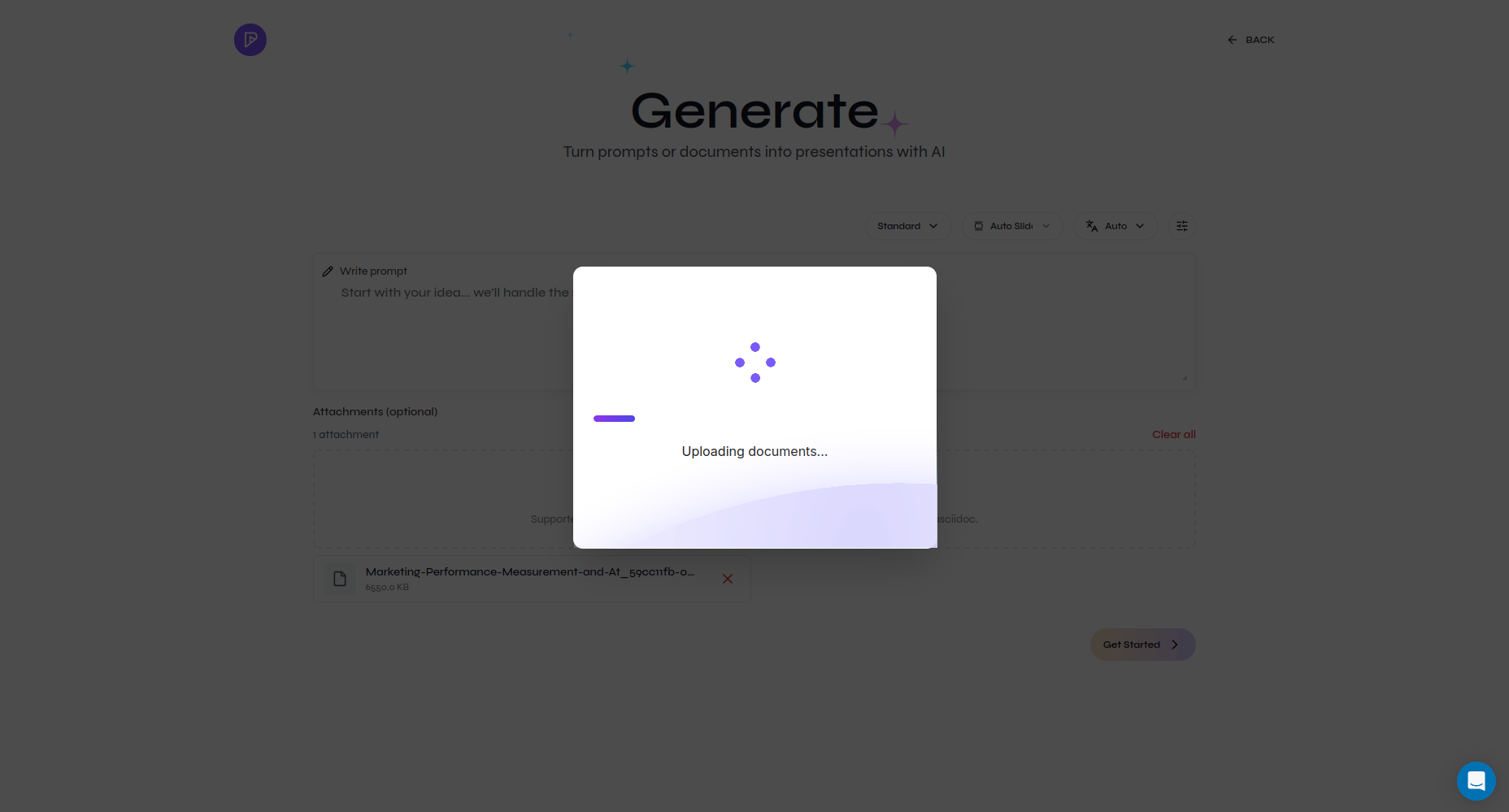
5
Review the proposed outline
Presenton converts the source into a slide-by-slide outline. Read every section and compare it with the document. Edit the content, drag sections into a better order, remove low-value background, and add any missing conclusion.
6
Generate the slides
Select Select a Template, choose a built-in or custom template, and generate the deck. Presenton applies the document-based outline to the selected layouts.
7
Verify the content
Check every important number, date, name, and claim against the original document. Review charts and tables especially carefully. Rewrite dense slides and remove details the audience does not need.
8
Export and review
Select Export and download a PDF for sharing or a PPTX for continued editing. Open the exported file and perform one final check before sending it to your audience.