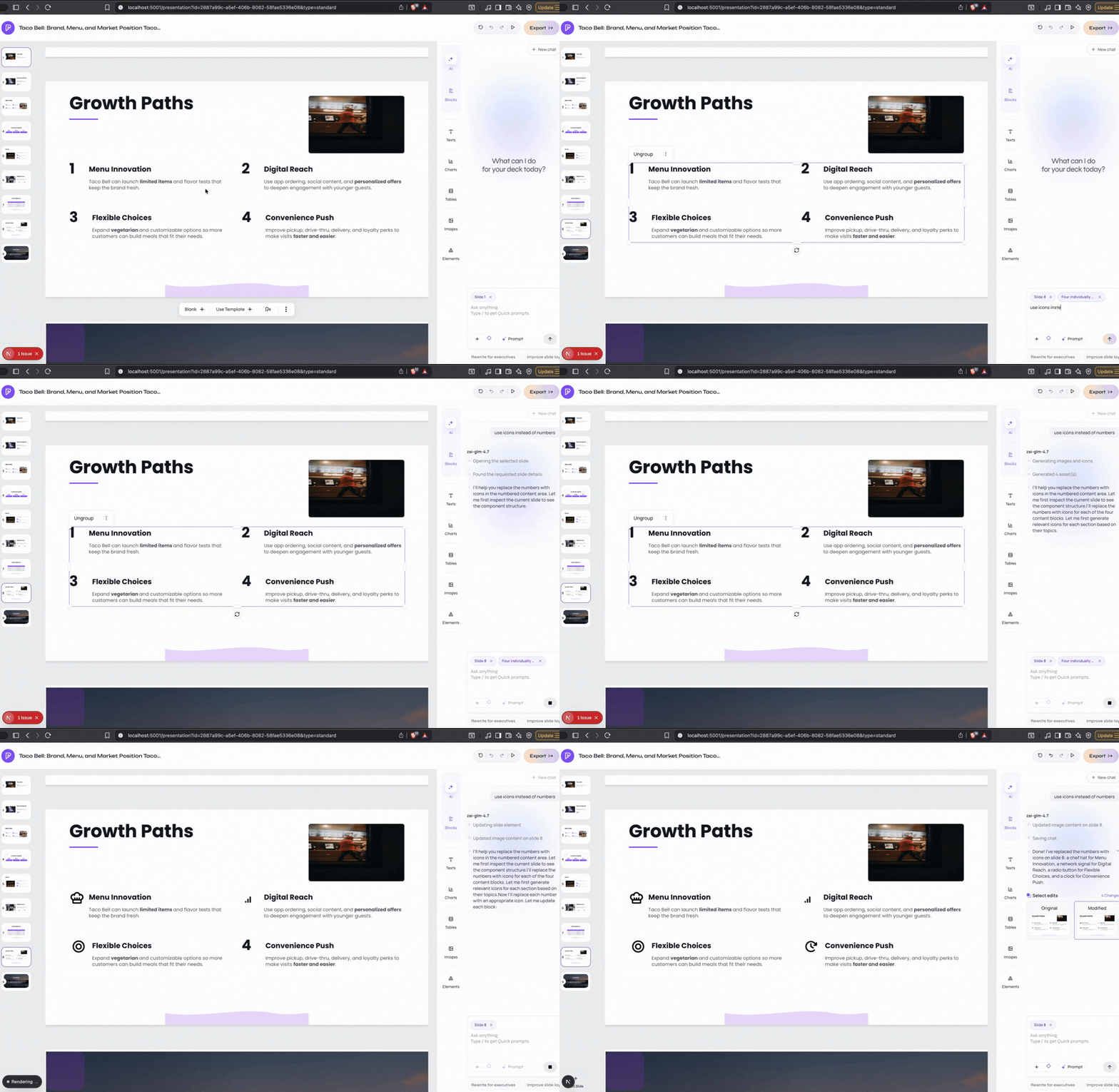
Ask for one reviewable outcome
1
Open the assistant
Open a presentation, identify the target slide or section, and enter one focused request.
2
Wait for the change to finish
Let Presenton inspect the relevant presentation content, template, source material, and available conversation context.
3
Review the saved result
Confirm the slide position, wording, numbers, visuals, and any content the request said to preserve.
4
Use a smaller follow-up when needed
Correct one remaining problem at a time instead of repeating the original broad request.
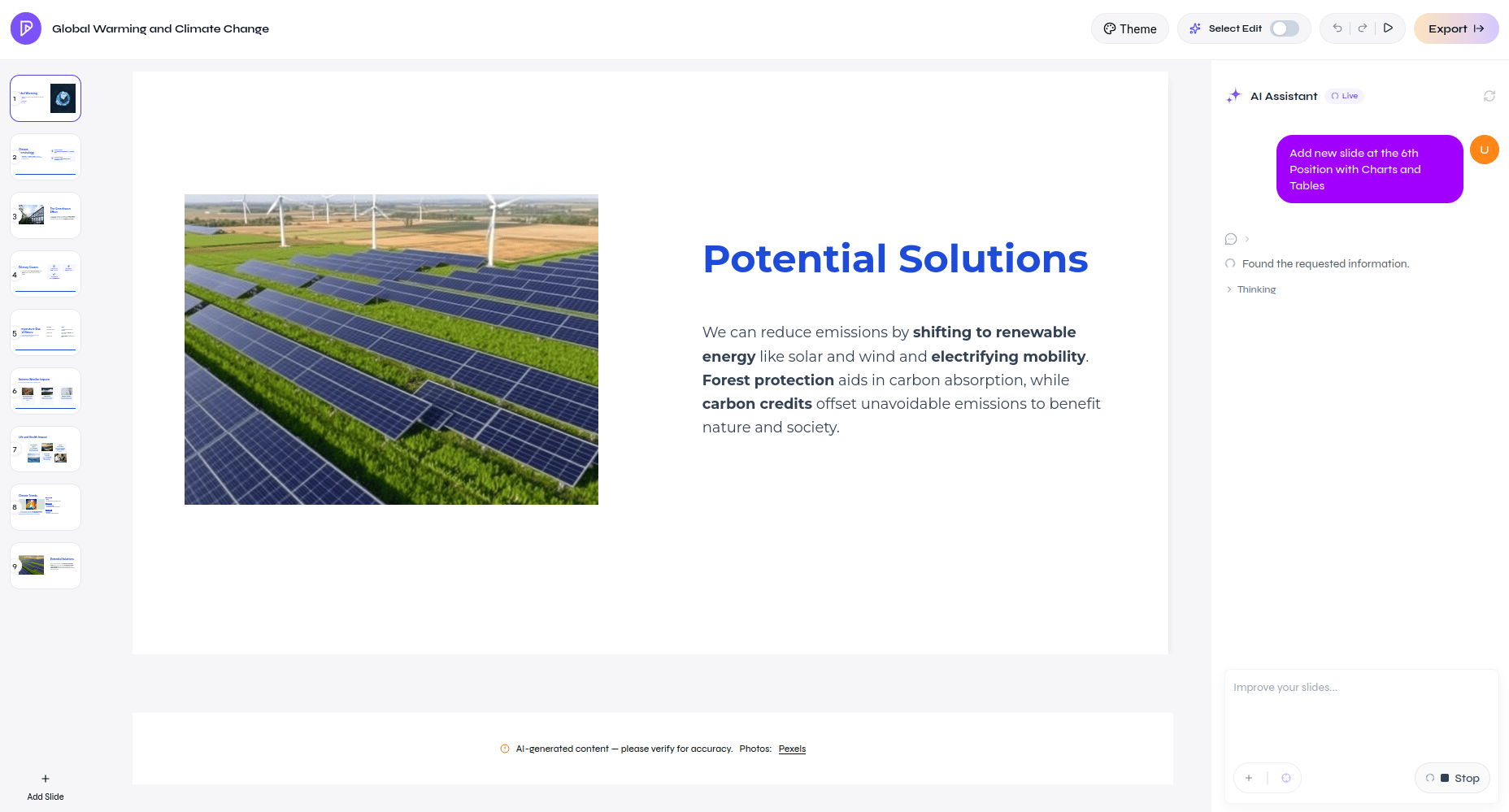
AI Assistant making a presentation-level change
AI-assisted editing of selected slide components