

Before you start
- Make sure you have permission to install apps on your device.
- Keep an internet connection available until the installer finishes downloading.
The download page lets you choose a platform before downloading the installer.
Download and install Presenton
Go to download page on https://presenton.ai/download
On the Presenton website, select Download from the top navigation.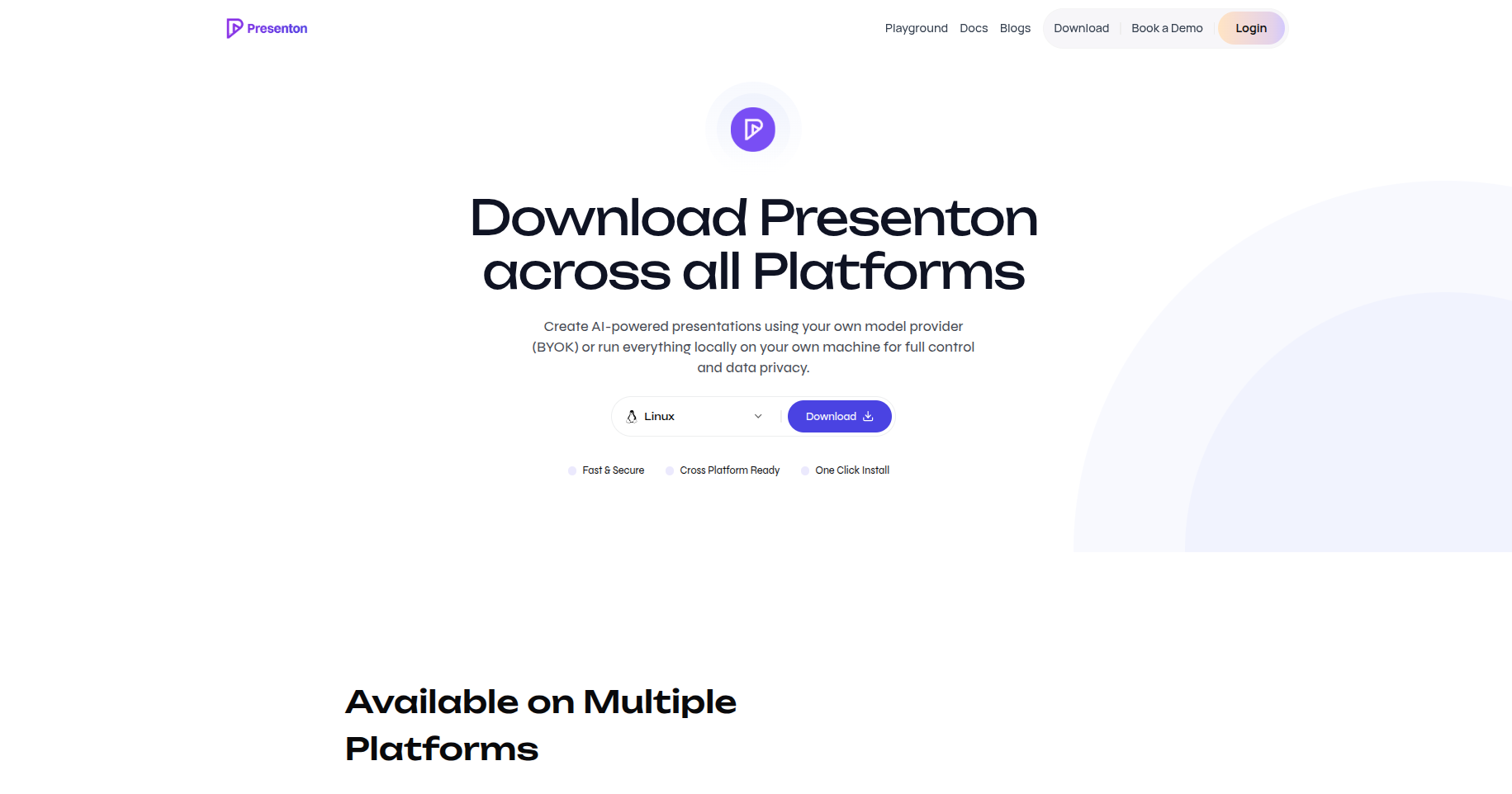
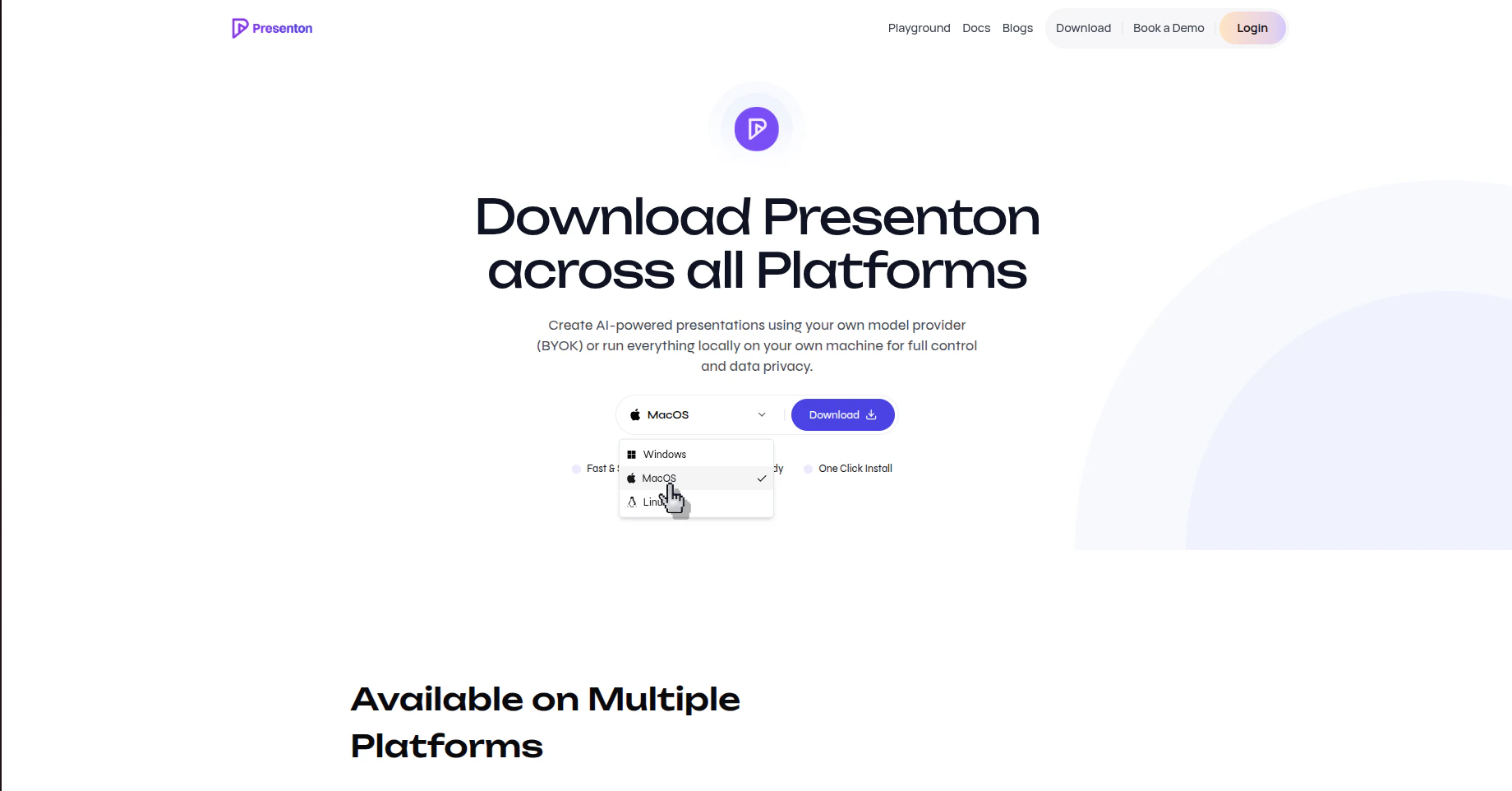
Download the installer
After selecting your platform, click Download and wait for the installer file to finish downloading.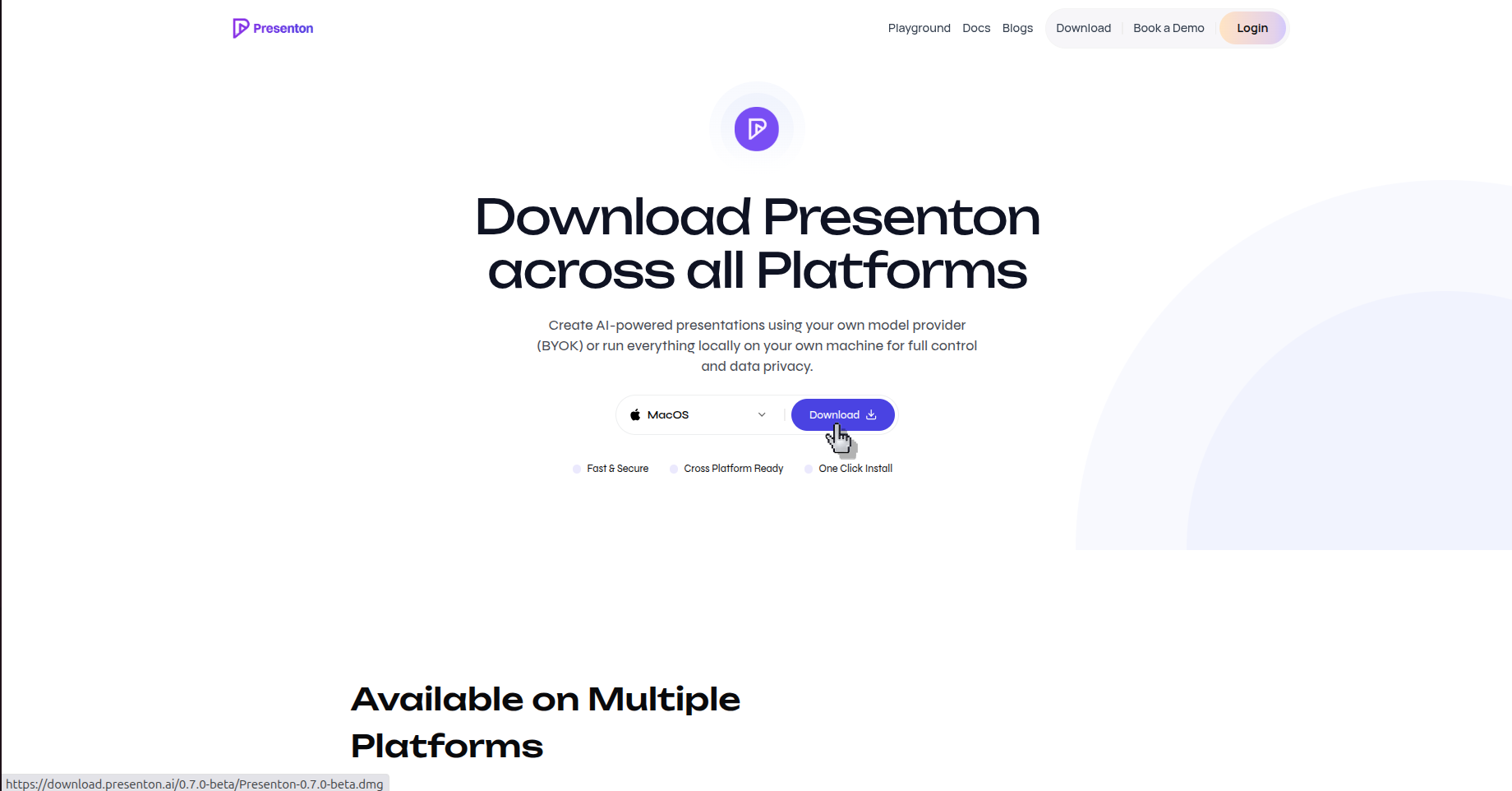
Run the installer
Open the downloaded file and follow the installation prompts shown by your operating system.
Verify the result
Presenton opens on your computer and is ready for you to sign in or continue setup.