A template is a collection of reusable slide layouts and blocks. It controls where generated content can go and how consistently the deck follows a design system. Standard presentations use the same template model in Cloud and open-source Presenton. After reviewing the outline, open Select Template, inspect the built-in or custom designs, and confirm one before generating.

Built-in and custom Standard templates
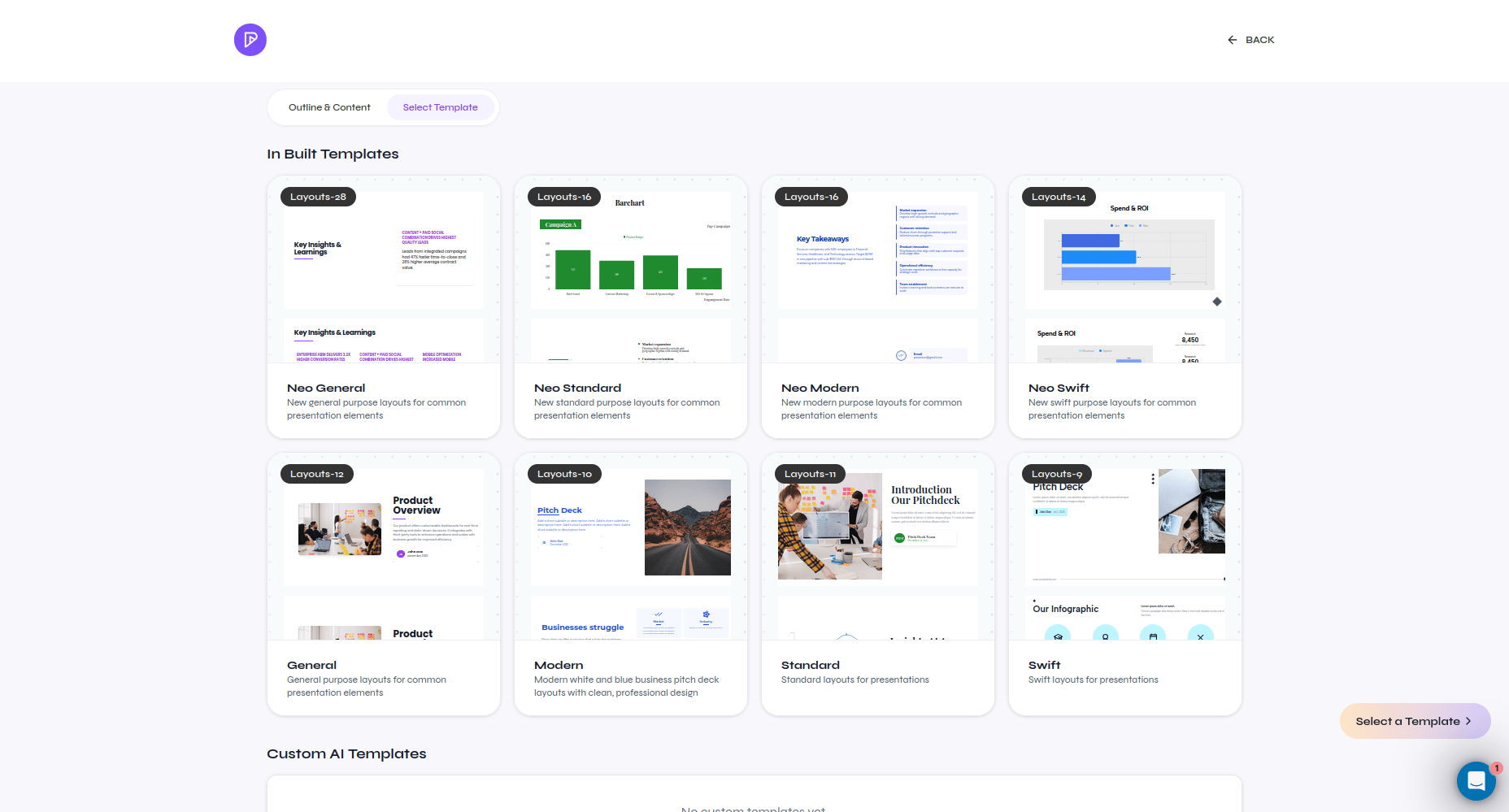
Template gallery with built-in and custom Standard templates
Open Templates to browse the library, preview a design, or start the custom-template workflow. A generated Standard presentation keeps text, images, shapes, tables, charts, and other supported content as editable objects.

Choose a strong template

  • Match the audience and delivery context.
  • Confirm that the available layouts cover titles, sections, content, data, visuals, and conclusions needed by the outline.
  • Prefer layouts that remain readable with realistic short and long content.
  • Check required fonts before relying on the template for export.
  • Generate a representative test deck before adopting a custom template for repeated use.
Cloud Smart presentations use Smart designs instead of Standard template layouts. Smart does not change how the shared Standard editor works.