

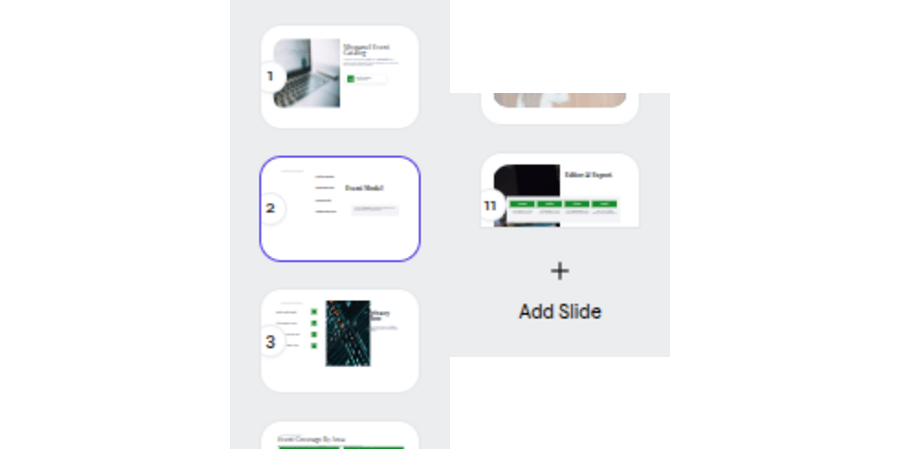
Select a slide or use Add Slide from the thumbnail rail
1
Select a slide
Choose its thumbnail to make it active.
2
Add a slide
Select Add Slide, then add content from the canvas editor or with AI.
3
Review the sequence
Check the transition from the previous slide and into the next slide.
Capture needed
Duplicate, delete, and reorder slides
The supplied media does not show these controls. Add a focused product capture before publishing procedural steps.
Build slide content
Add and edit content directly on the slide.
Create content with AI
Request one focused change for the active slide.