The dashboard is the saved-presentation workspace. Give decks clear names before exporting so the browser record and downloaded files remain easy to identify. Cloud and open-source dashboards list saved presentations. Select a presentation card to open it, and rename the deck from the title control in the shared editor.

Dashboard with creation actions and saved presentations
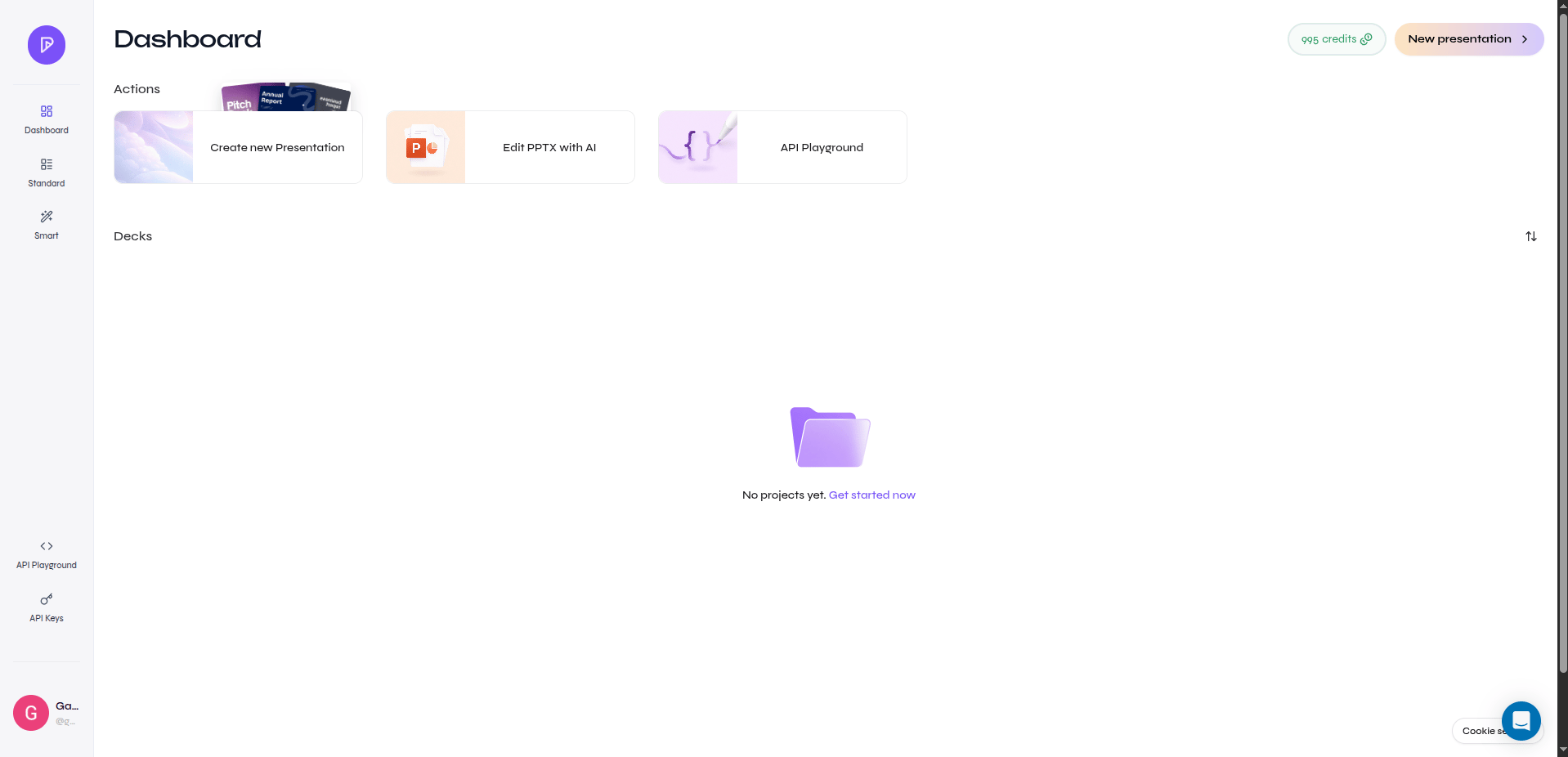
Presenton dashboard with creation actions and saved presentations
The actions shown on a presentation card can vary by account and release. Where available:
  • Duplicate creates a separate dashboard copy.
  • Delete permanently removes the selected presentation.
Confirm the title and preview before using a permanent removal action.

Screenshot needed

Presentation card actions

Capture a presentation card menu with Duplicate and Delete visible, without account details or confidential deck content.

Naming pattern

Use a title that distinguishes purpose and version, for example Q3 Product Review - Leadership - Final. Keep draft status in the title only while it is useful, and rename the final deck before export.