

What it can help with
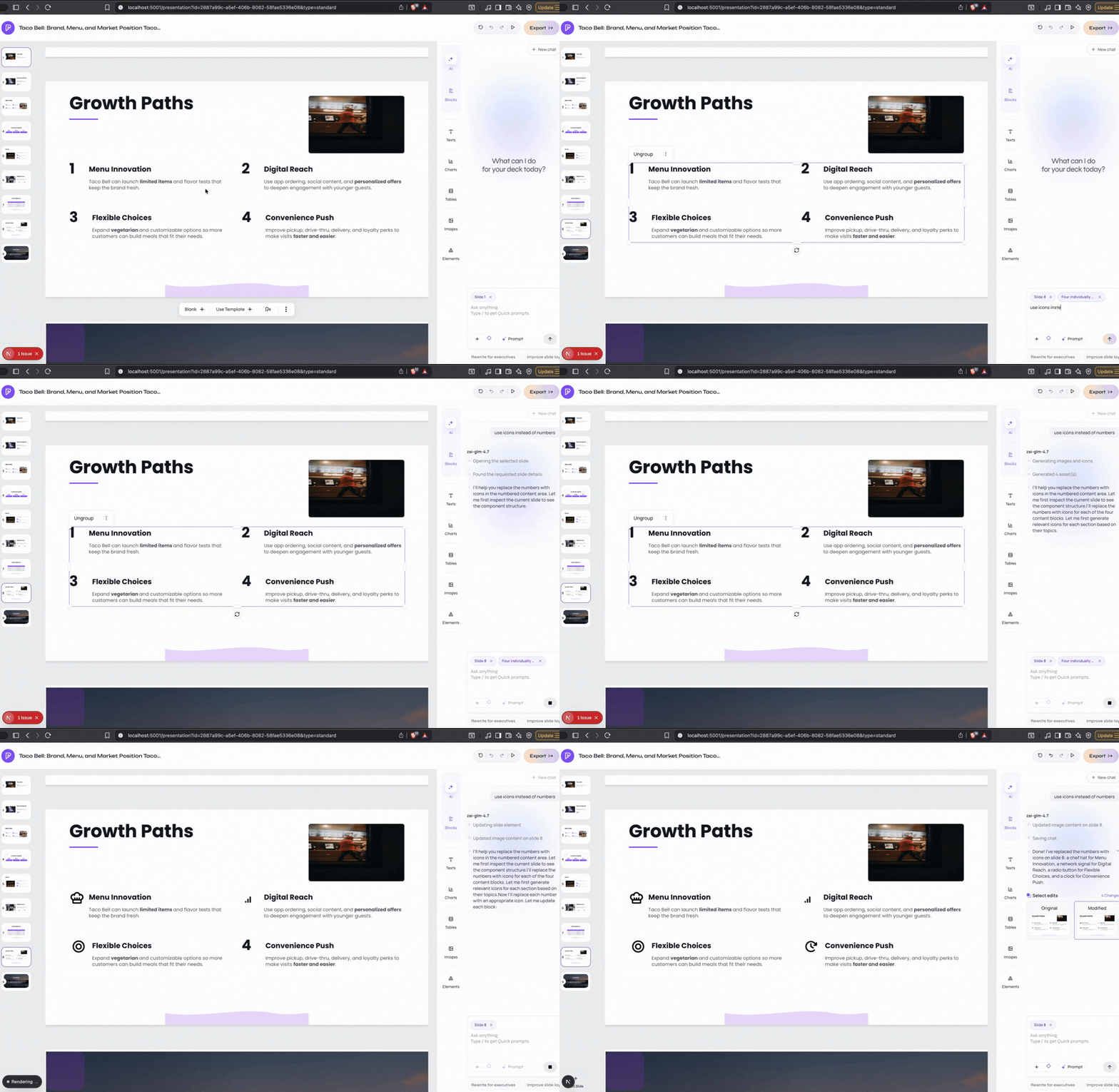
A simple workflow
1
Describe one outcome
Name the slide and say what should change. Include any text, values, or design choices that must be preserved.
2
Let Presenton inspect the slide
The assistant reads the relevant slide, template, source documents, and conversation context.
3
Review the saved edit
Check the slide visually and verify important facts. Continue with a smaller follow-up if needed.