

Before you start
- Make sure you have permission to install apps on your device.
- Keep an internet connection available until the installer finishes downloading.
The download page lets you choose a platform before downloading the installer.
Download and install Presenton
1
Open the download page
Go to presenton.ai/download, or select Download from the Presenton website navigation.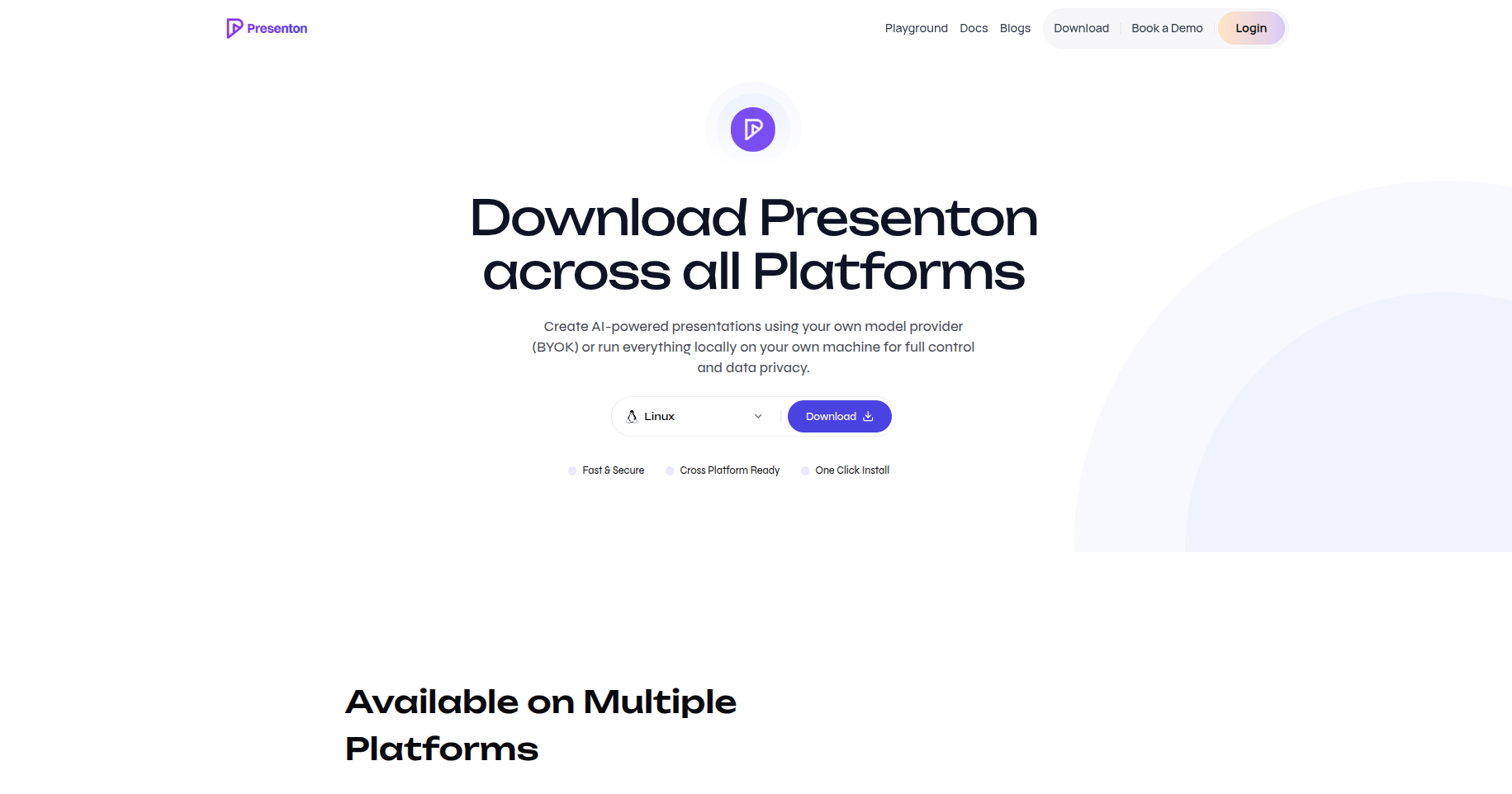
2
Choose your operating system
Open the platform selector and choose Windows, macOS, or Linux.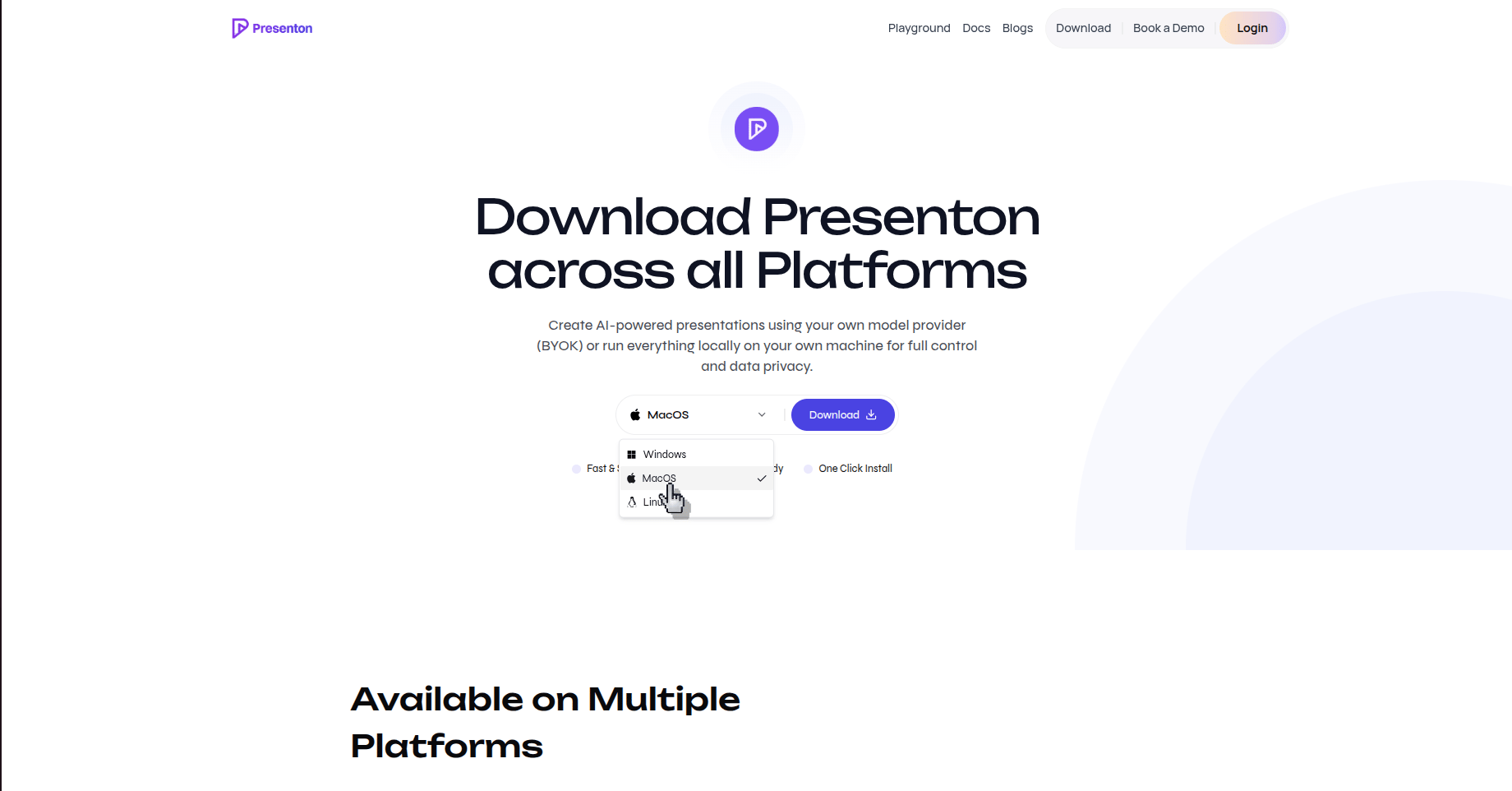
3
Download the installer
After selecting your platform, click Download and wait for the installer file to finish downloading.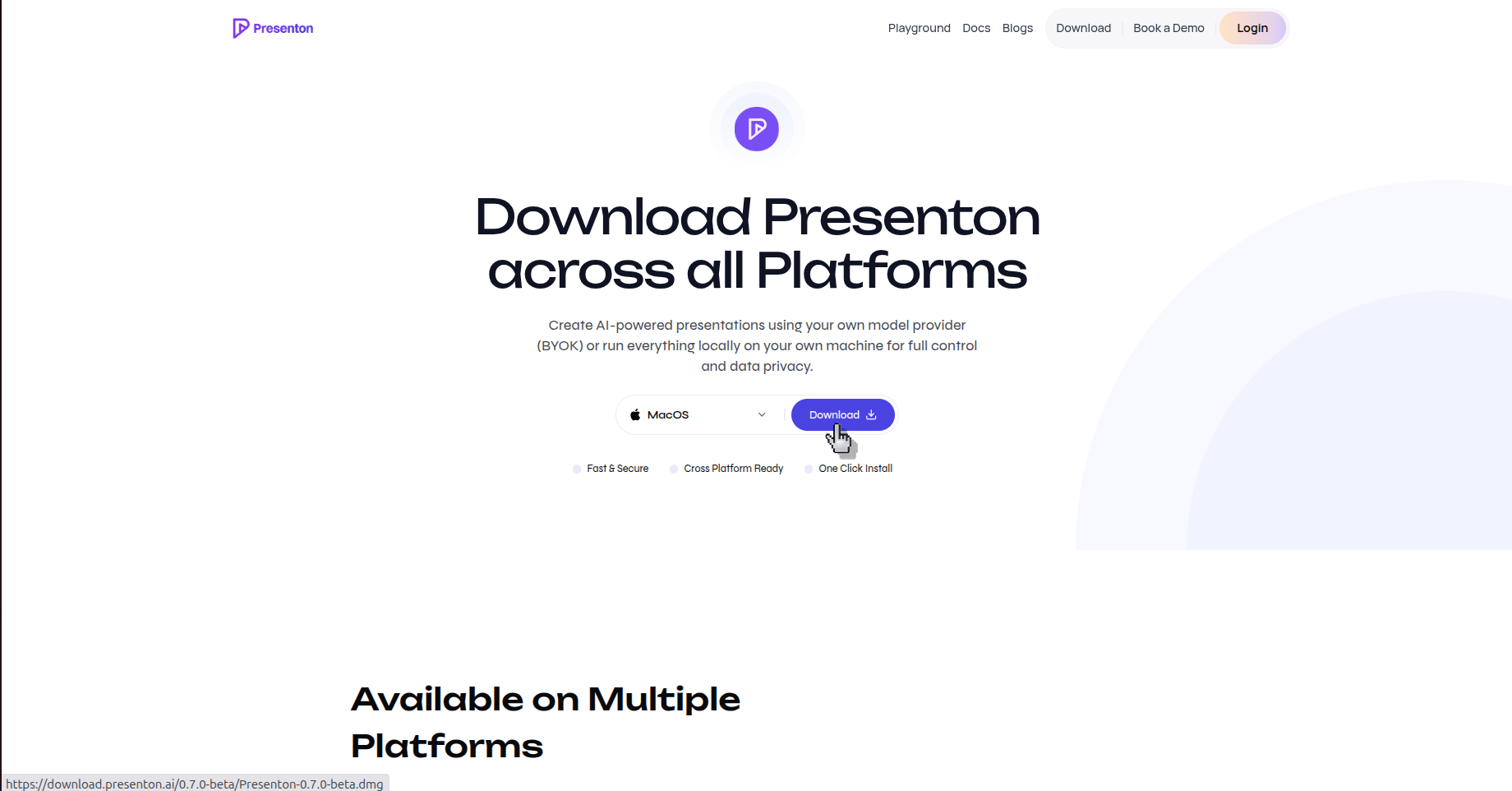
4
Run the installer
Open the downloaded file and follow the installation prompts shown by your operating system.
5
Open Presenton
Launch Presenton from your applications list or app launcher after the installation completes.
Verify the result
Presenton opens on your computer and is ready for local setup and presentation creation.
Build the desktop app from source
Use this path when you are developing Presenton or need to create the installer yourself.Prerequisites
- Node.js LTS and npm
- Python 3.11
uv- Git