

Selected slide scope and Follow AI mode in the assistant composer
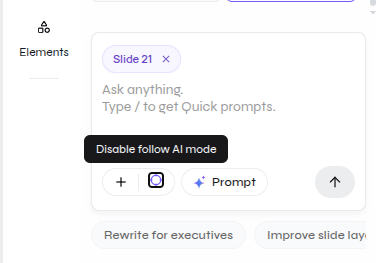
Before sending a prompt
- Open the intended slide.
- Confirm the slide chip in the composer.
- State the target again in the prompt.
- Describe what must remain unchanged.
- Review the edited slide and its neighbors.
Capture needed
Component-only AI editing
The supplied media verifies slide scope but does not show a complete component-selection workflow.