

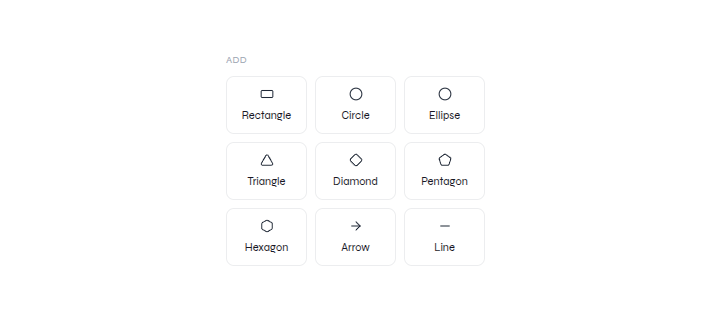
Basic shapes and lines in the Elements panel
1
Add the element
Select the required shape, arrow, or line from Elements.
2
Place it
Move, resize, or rotate the selected element on the canvas.
3
Review the composition
Confirm it supports the content and does not obscure text or data.
Transform canvas elements
Watch the verified resize, rotate, and reposition workflow.