

Text blocks available from the editor rail
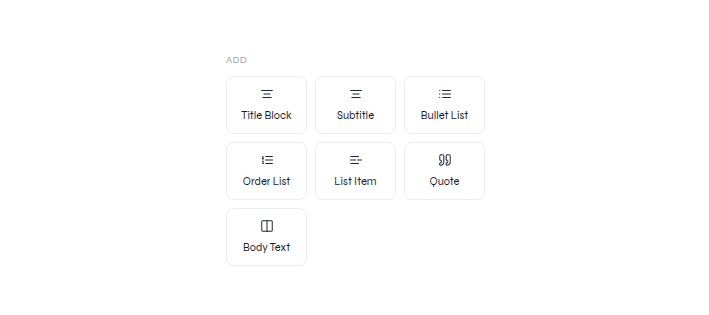
Add a text block
Add Body Text, enter content, and place it on the slide
- Choose a text block from Texts.
- Enter the required copy.
- Position the new text without covering existing content.
Edit existing text
Select existing text, rewrite it, and use the visible text toolbar
- Select the text element and enter text editing.
- Rewrite the selected copy.
- Apply the required formatting from the visible toolbar.
- Check hierarchy, wrapping, contrast, and overflow.
Rewrite with a prompt
Use a focused AI request when the wording—not only the formatting—needs to change.