

Import and edit
1
Upload the PPTX
From the dashboard, click Edit PPTX with AI. Select or drag in the PPTX you want to edit.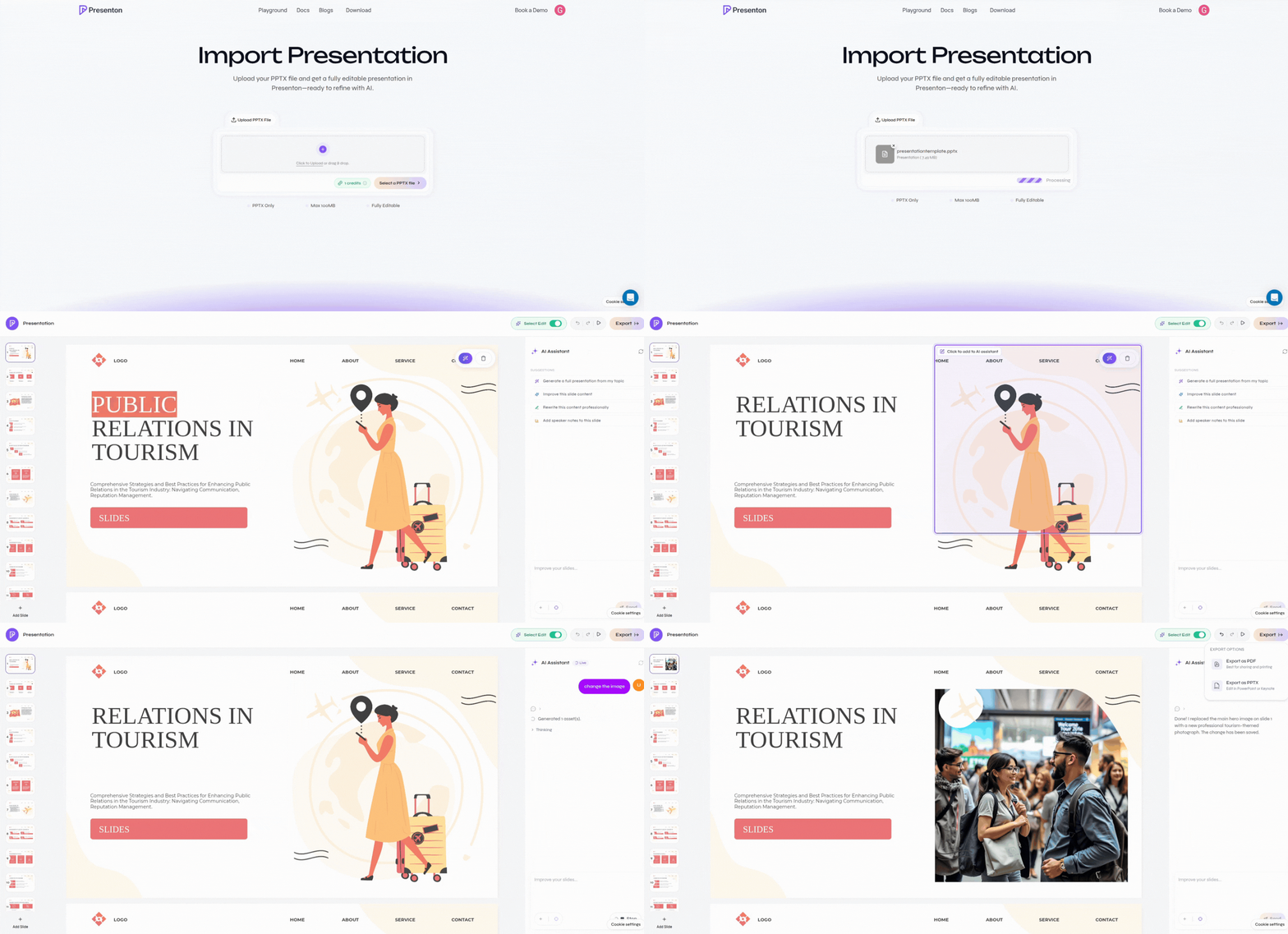
Select or drag in the PowerPoint file
2
Check fonts
After the file uploads, click Check Fonts.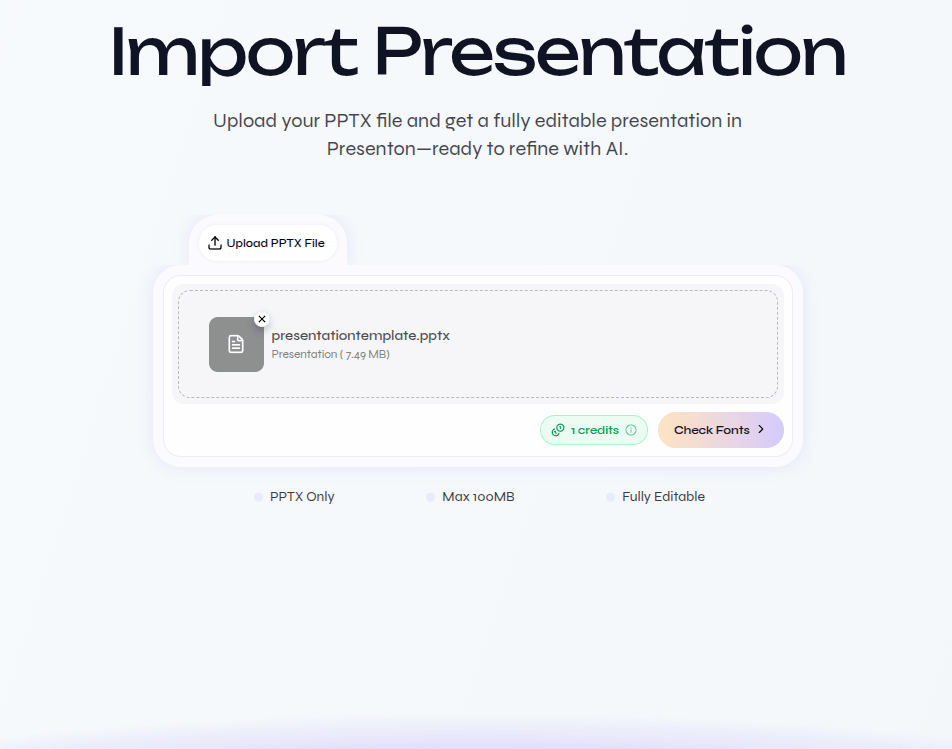
Check the fonts used in the uploaded presentation
3
Manage fonts
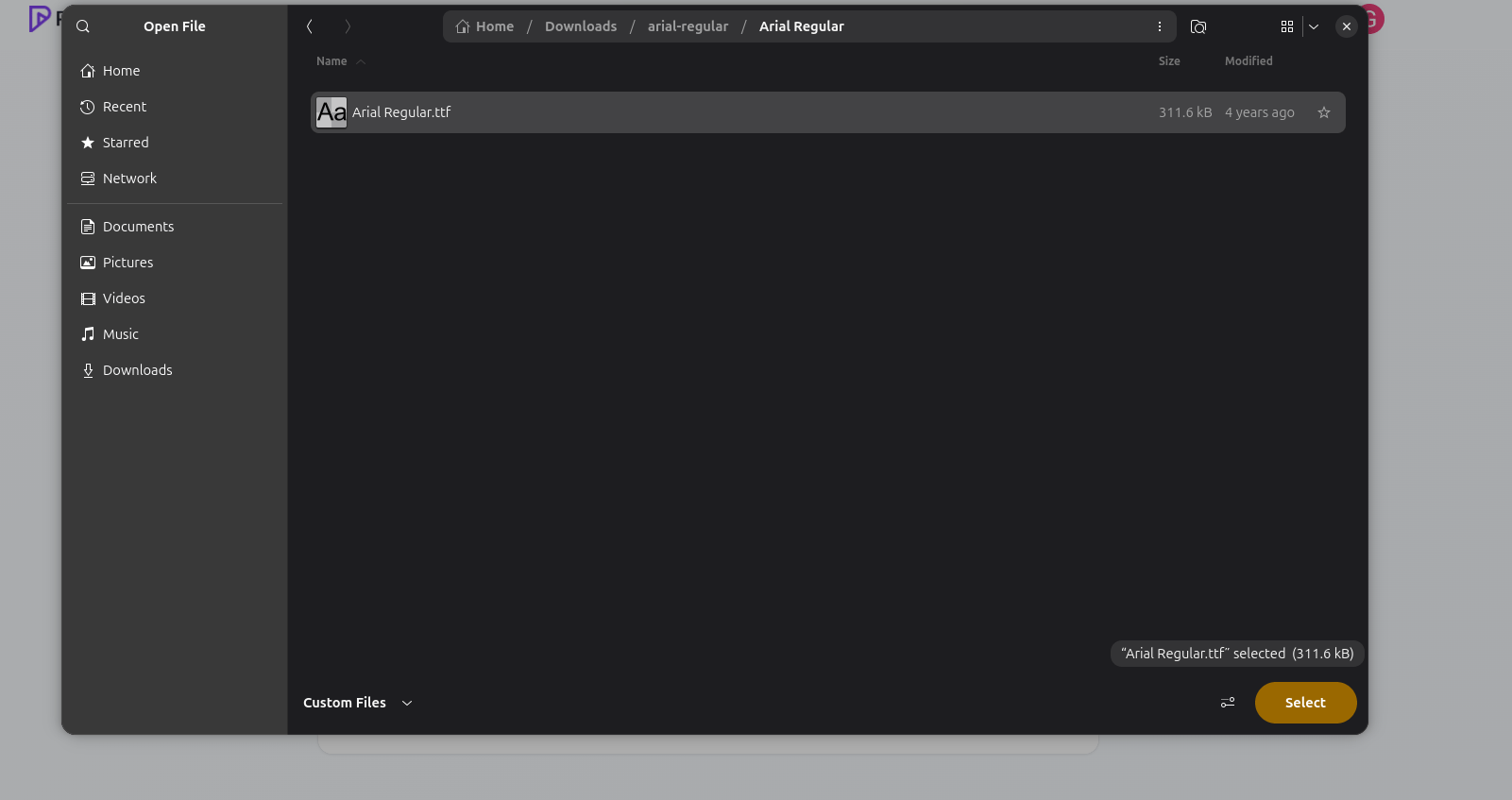
Review Available Fonts and Missing Fonts. If a font is missing, click Upload and select its font file.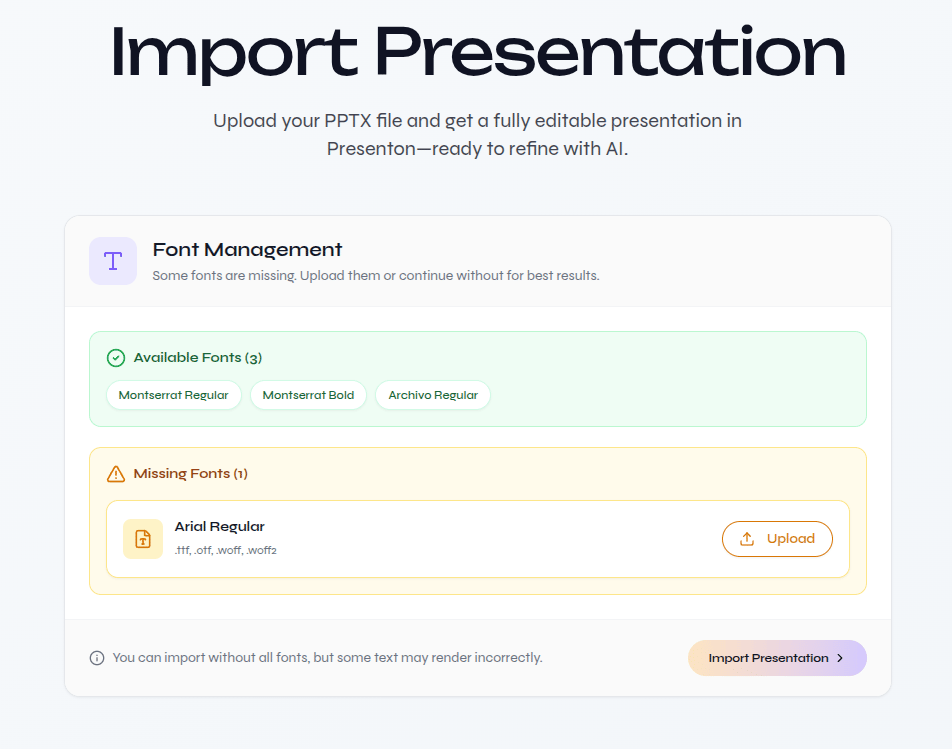
Review available and missing fonts
Select the matching font file when a font is missing
If every font is already available, continue without uploading a font file.
4
Import the presentation
Confirm that all fonts are ready, then click Import Presentation.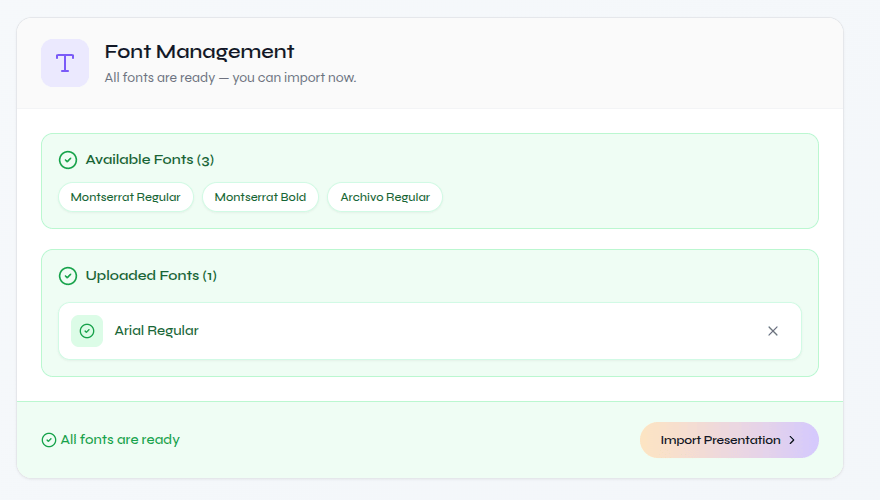
Import after all required fonts are ready
5
Edit with AI
Wait for the editable deck to open. Enable Select Edit for direct changes or use the AI Assistant to update slide content and design.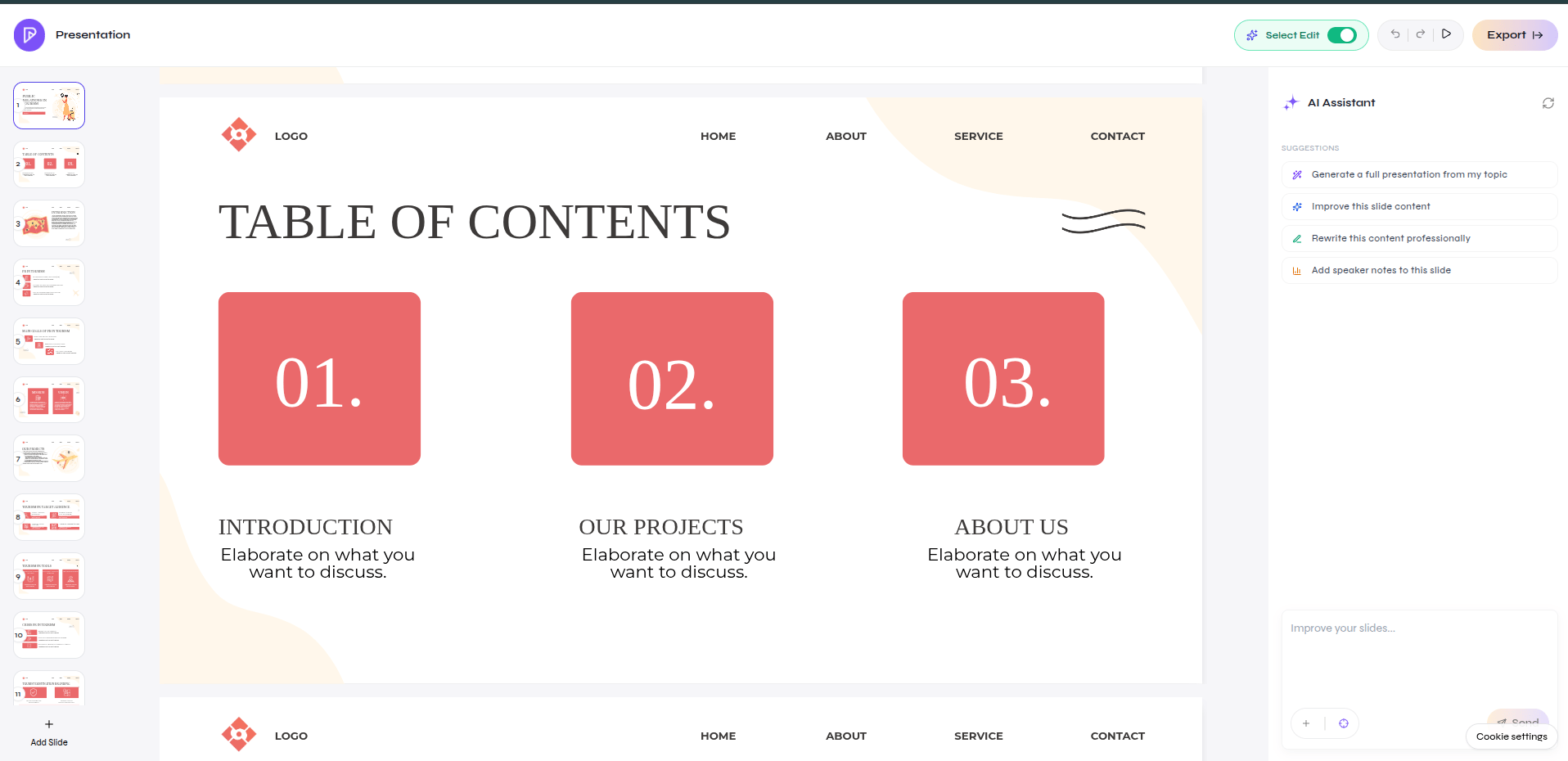
Edit the imported presentation directly or with AI