

Supported source files
The visible source-file list differs between the live Cloud and open-source screens. Always follow the list shown by the product you are using.- Cloud
- Open-source
The current Cloud Generate screen advertises these extensions: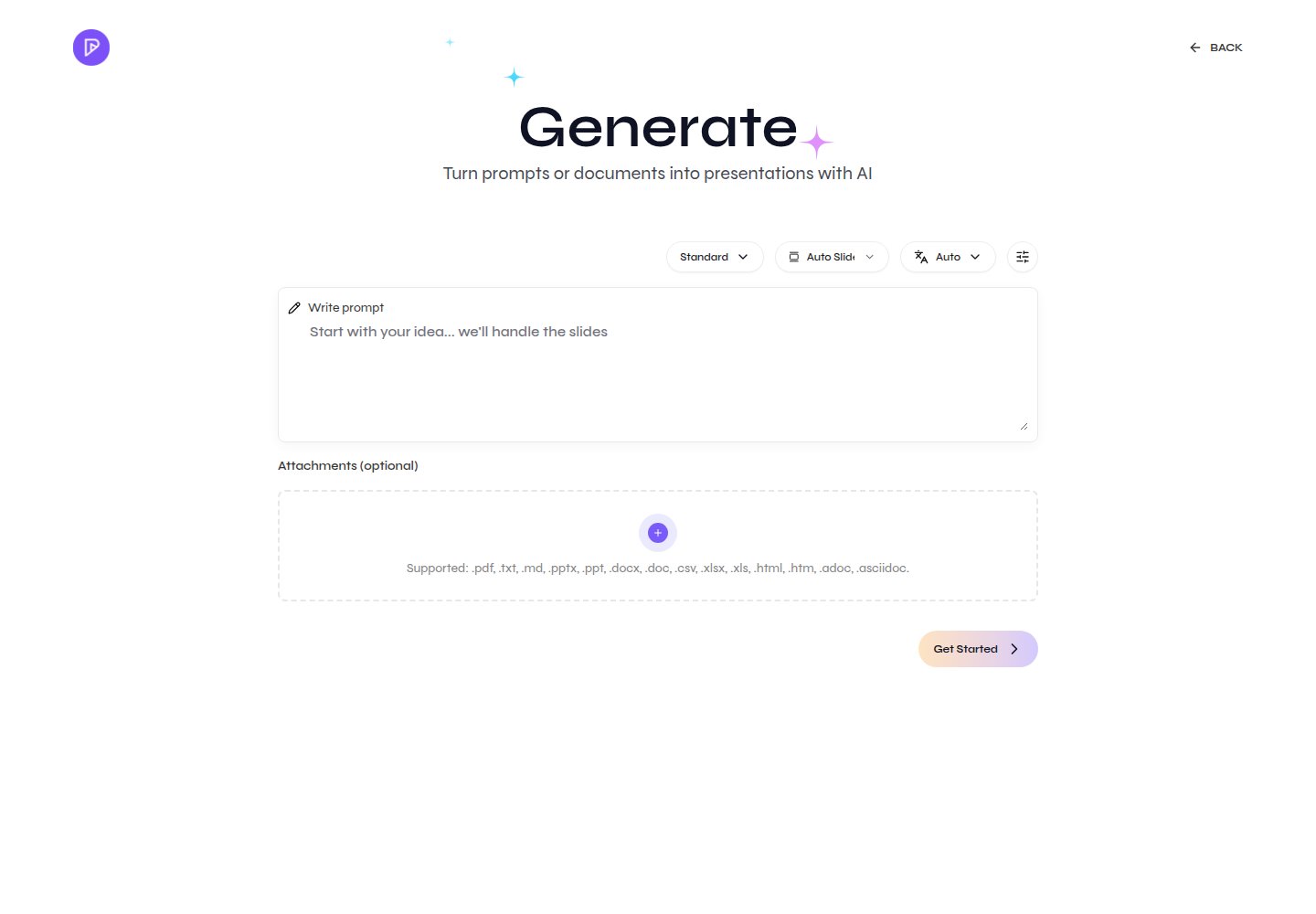
.pdf, .txt, .md, .pptx, .ppt, .docx, .doc, .csv, .xlsx, .xls, .html, .htm, .adoc, and .asciidoc.Attach documents and review supported source formats
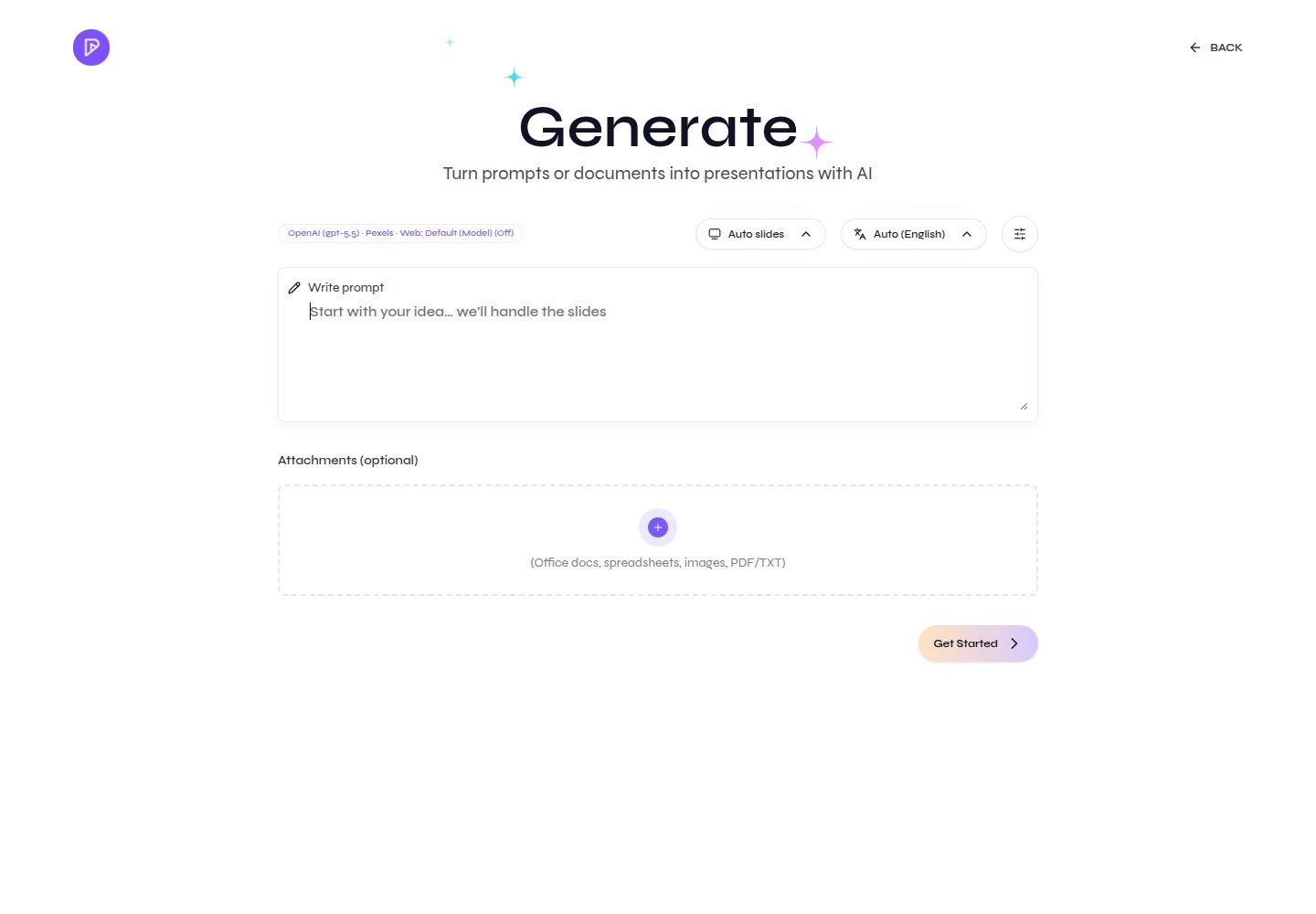
Prepare the source
- Use one authoritative file for the first attempt.
- Remove unrelated appendices, duplicate versions, and hidden spreadsheet sheets.
- Note the names, dates, figures, and conclusions that must remain exact.
- Prefer selectable text. Scanned PDFs and images depend on OCR quality.
- Use clear headings and labels so extracted sections retain their meaning.
Generate from a document
Cloud and open-source use the same document-to-presentation sequence, with product-specific source lists and provider behavior.1
Open Generate
Start a new presentation and open the Generate page.
2
Attach the source
Select Attachments (optional) or drop one or more files accepted by the active product into the upload area. Wait until each filename appears, then choose an explicit output language. You can clear all attachments or remove an individual file before continuing.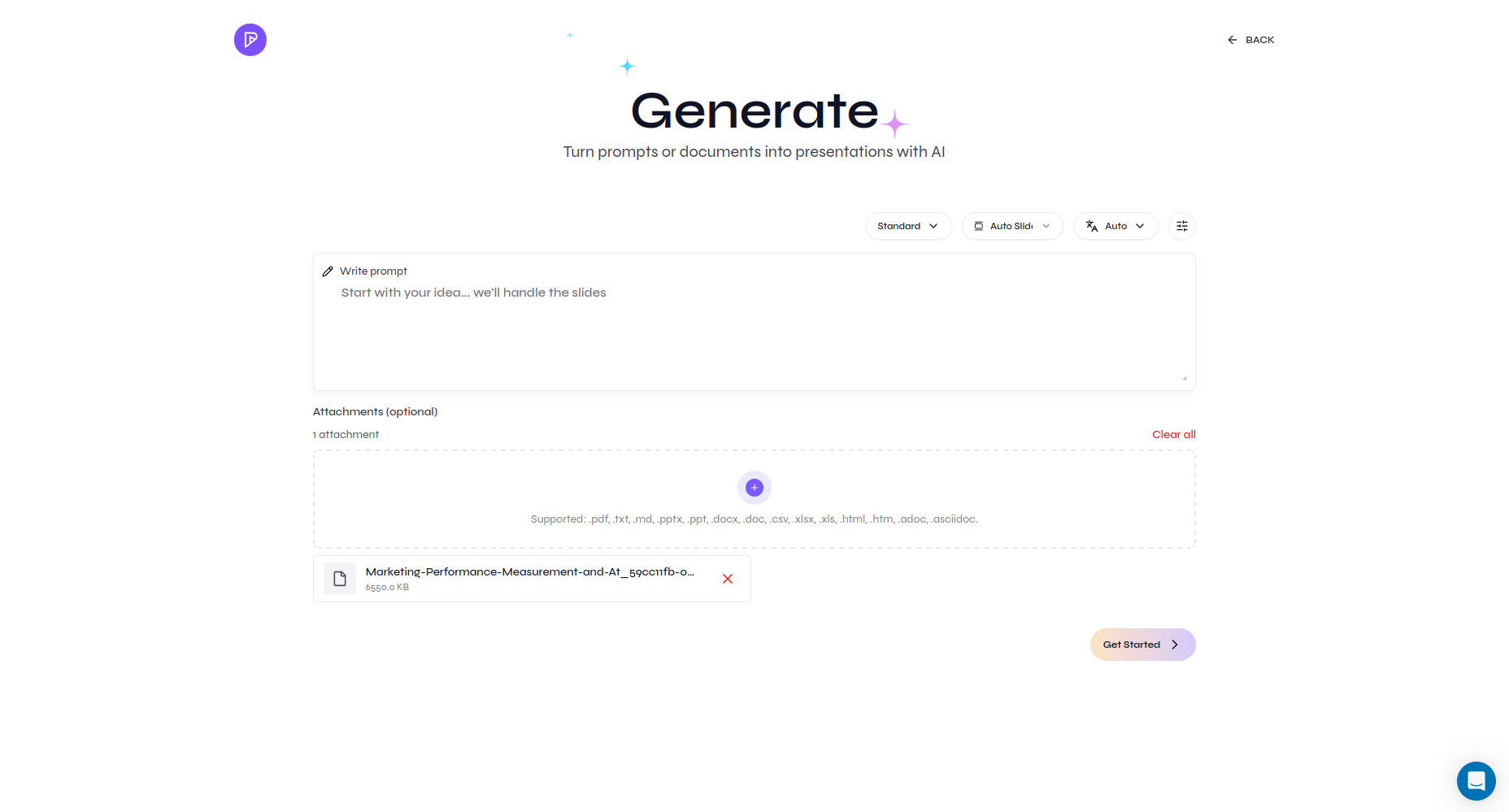
A source document ready to process
3
Explain how to use it
Add a prompt that names the audience, desired outcome, priority sections, and facts that must be preserved.
4
Process the source
Set the remaining controls and select Get Started. Presenton uploads and decomposes the files, then requests outline generation. Large or scanned sources can take longer.
5
Review the outline against the source
Correct omissions, unsupported claims, and sequencing before choosing the presentation design.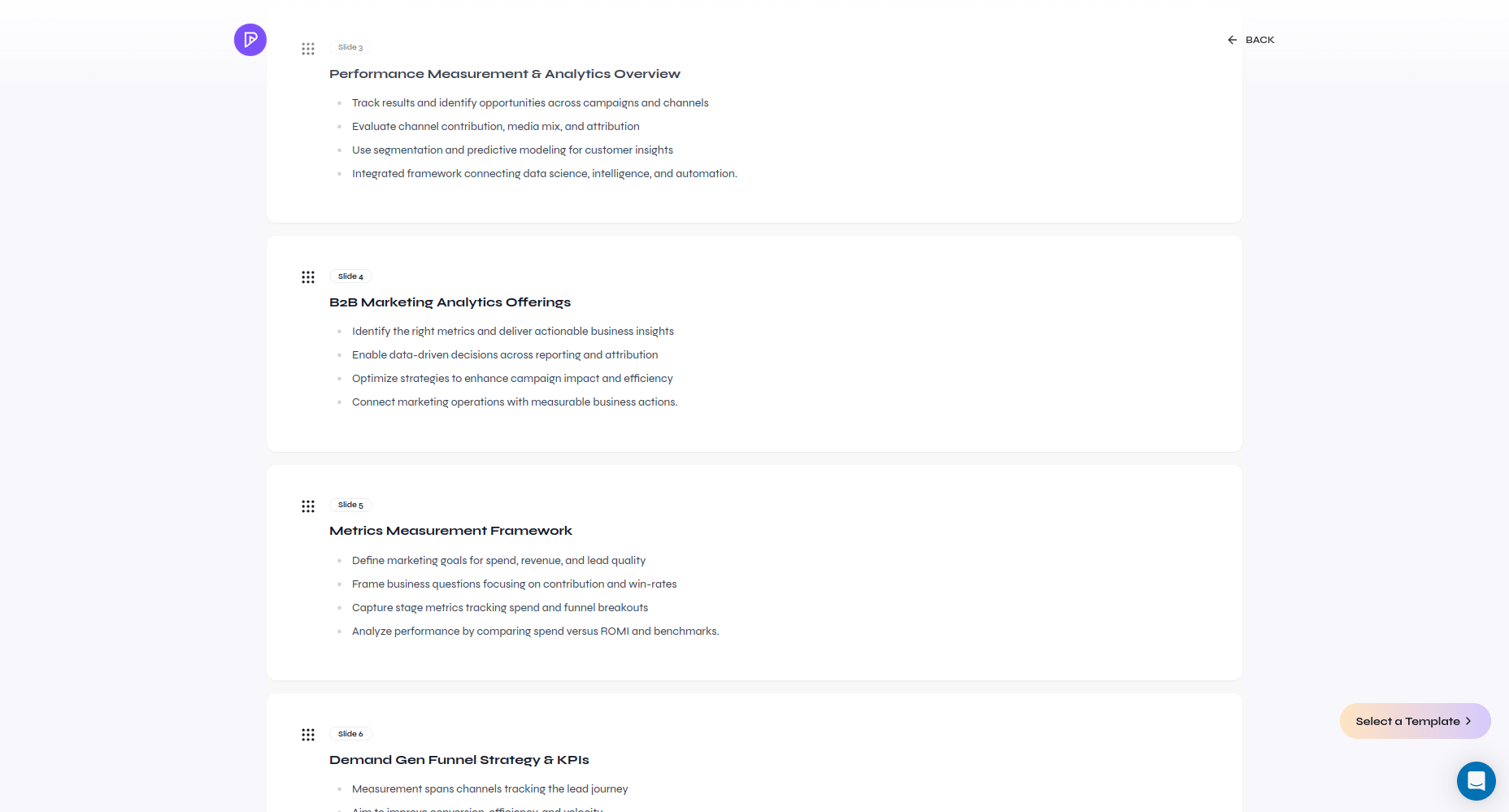
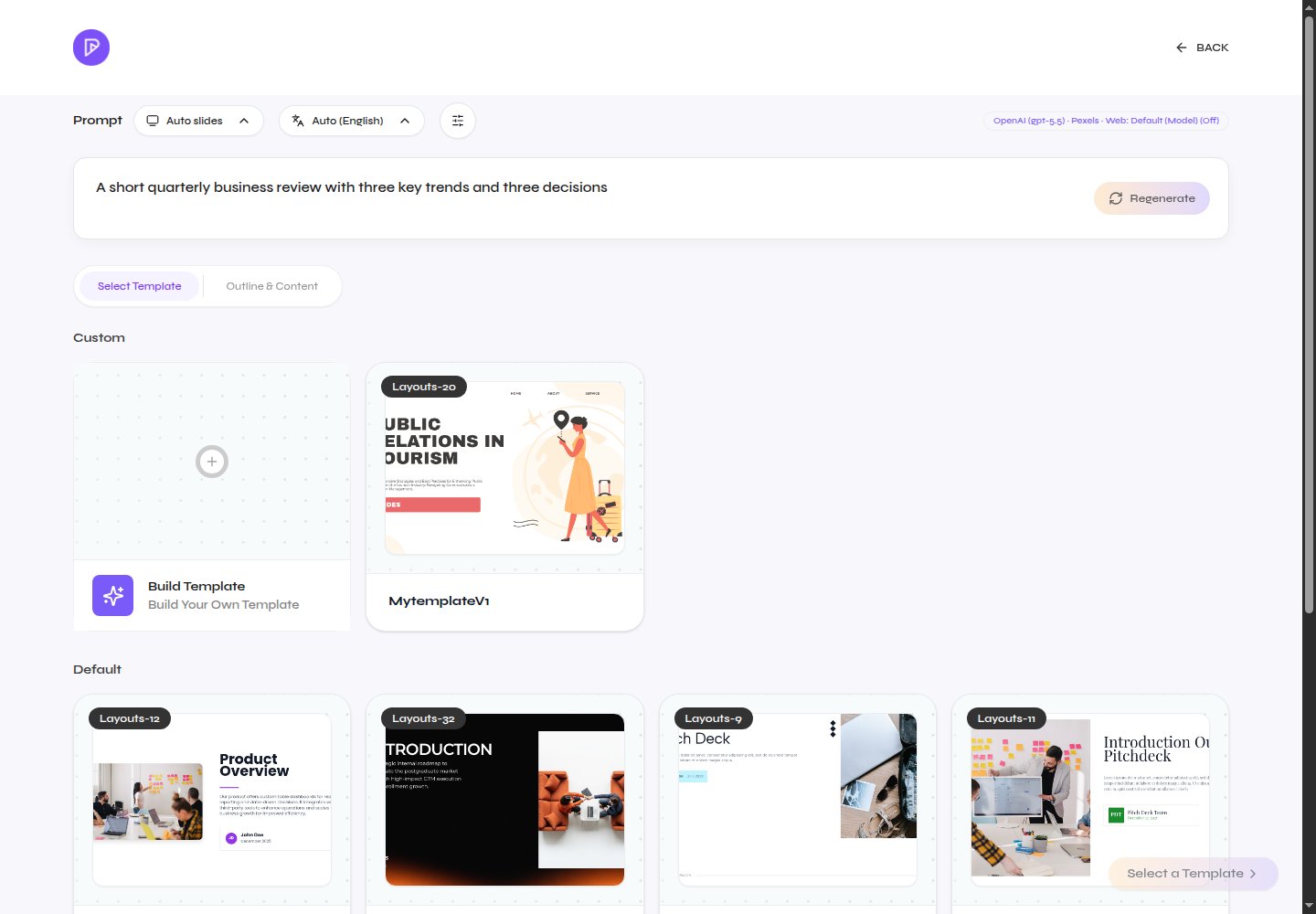
Review the generated outline before choosing a design
Review the outline and choose a template
6
Generate and verify
Compare the finished slides with the source, then export and inspect the result.
Open-source document parsing, OCR, supported file behavior, and limits depend on the services configured by the deployment administrator. When files are attached, the current browser flow requires an explicit language instead of Auto. Cloud account limits can also change independently of the visible file-extension list.
Generation workflow
Follow the complete prompt, attachment, outline, and generation workflow.
Edit the generated slides
Choose direct Canvas editing or use the AI assistant after generation.