

Watch the workflow
Manage presentations from the dashboard
The dashboard action row starts the main workflows: create a presentation, begin from a blank deck, import a PPTX for AI editing, or open the API Playground.Dashboard actions for creating, importing, and using the API Playground

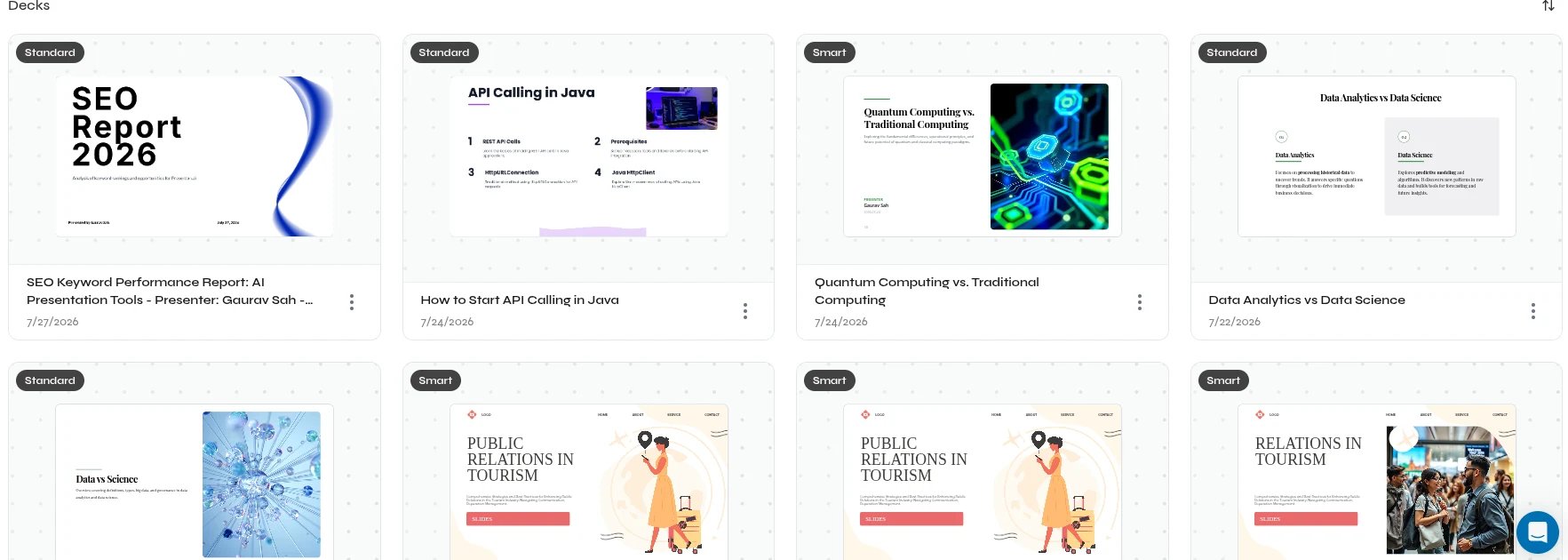
Saved presentations in the Decks section
Before exporting
- Review the story, slide order, and titles.
- Verify important numbers, names, and claims.
- Check text density, line wrapping, and content near slide edges.
- Inspect charts, tables, images, and custom fonts.
- Open the exported file once before sharing it.
Find and organize
Open, rename, and remove presentations.
Export presentations
Create and verify PPTX or PDF output.
Embed a presentation preview
Display a scoped, expiring presentation in your application with an iframe.