

Start with a built-in template
Before creating a custom template, open Templates and select the Built-in tab. Built-in templates are ready to use and can save time when one already matches the structure and visual style you need. Each template card shows a slide preview, the number of available layouts, a template name, and a short description. Compare these details to choose a template that fits the intended presentation.Browse the built-in template library
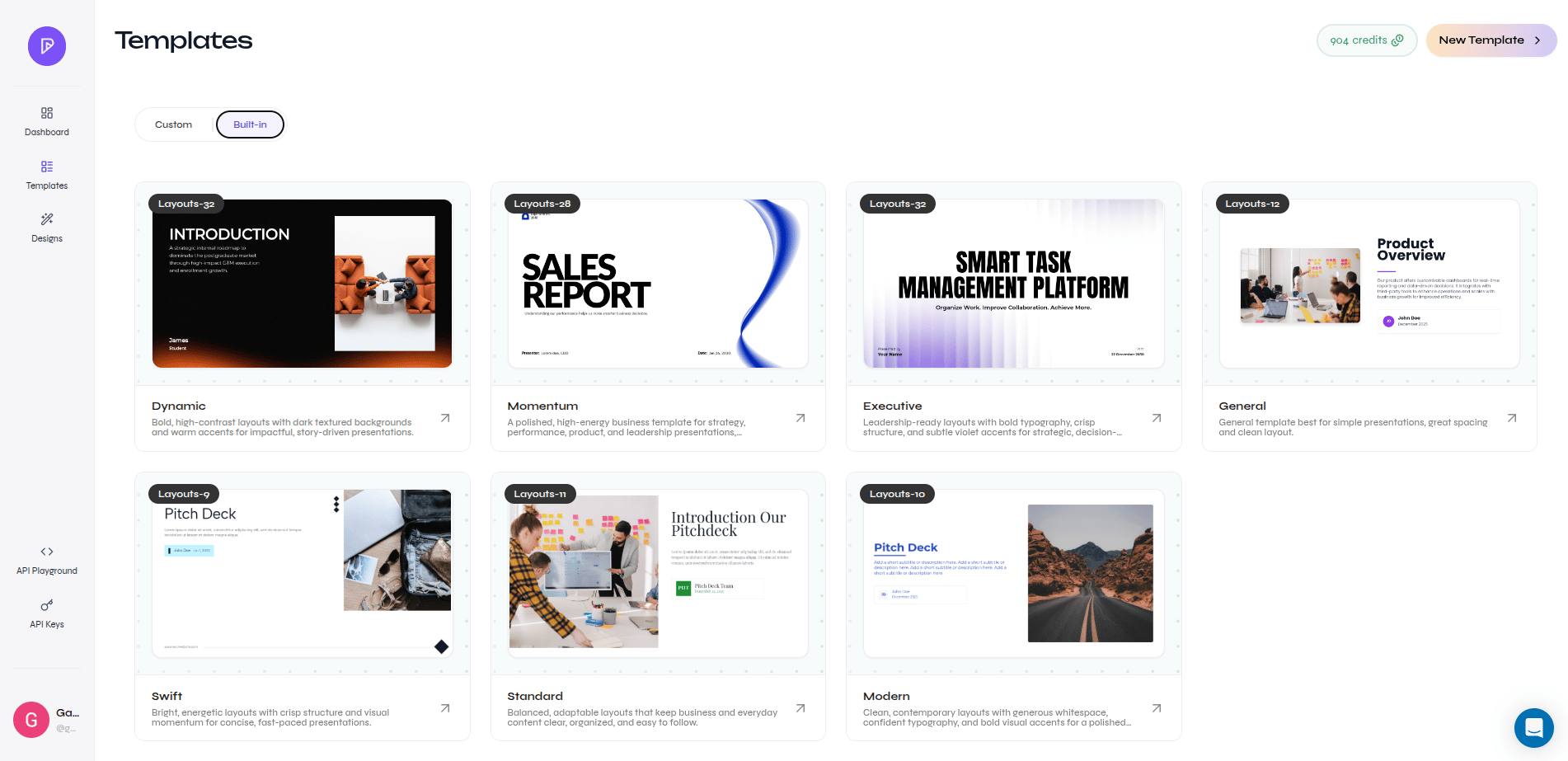
Create a custom template only when the built-in library does not provide the layouts or brand treatment you need.
Complete workflow
This short walkthrough shows how to open Template Studio, upload a filled PowerPoint presentation, review the detected fonts and source slides, and turn its layouts into a reusable template.Create the template step by step
1
Open the template library
Open Templates and select Build Template or New Template.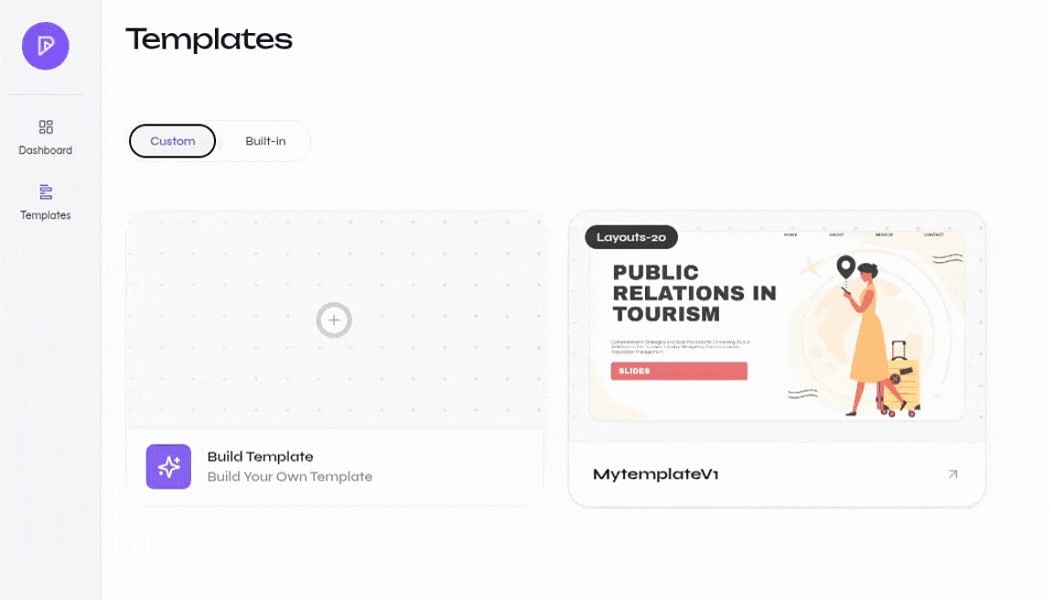
Open the custom template library
2
Upload the PowerPoint file
Select Upload PPTX File, choose the presentation you want to reuse, and wait until its status changes to Ready. Select Get Started to continue.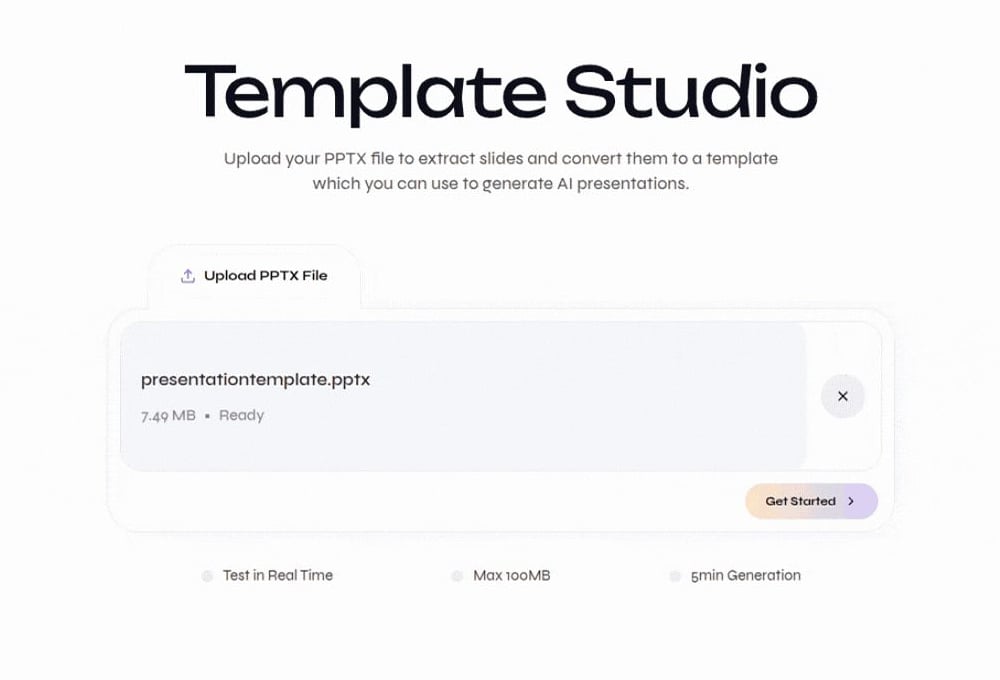
PPTX file ready for Template Studio
3
Review the detected fonts
Template Studio analyzes the fonts used by the presentation. Upload any missing font files shown in the font list so text keeps its intended typography, spacing, and wrapping.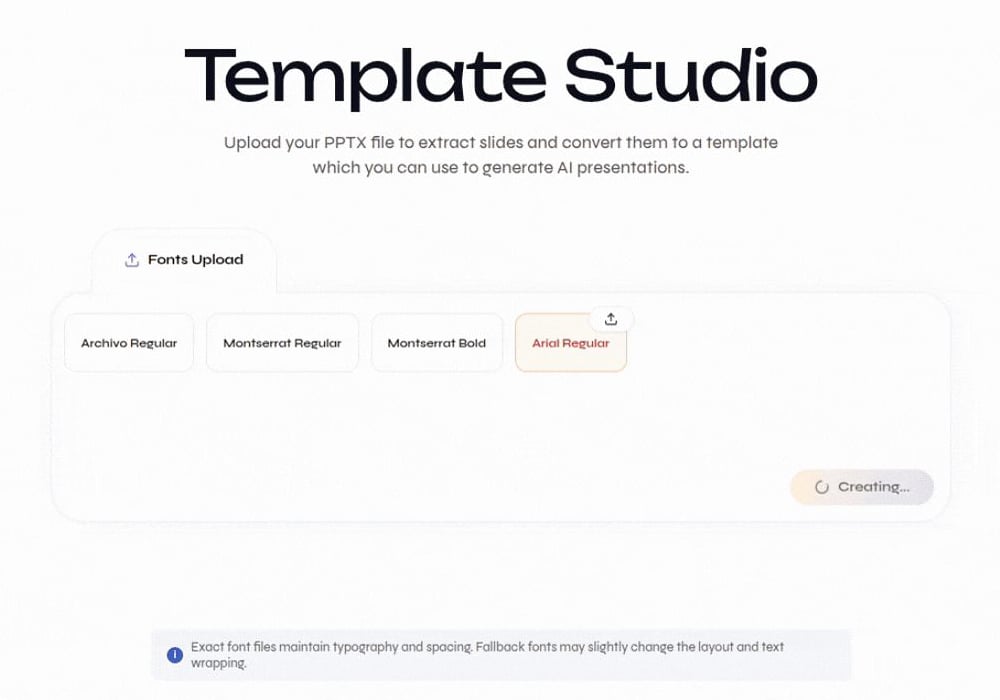
Review detected fonts and upload missing files
4
Preview the source slides
Inspect the slide thumbnails and the large preview. Confirm that the presentation contains the layouts you want to reuse, then select Create Template.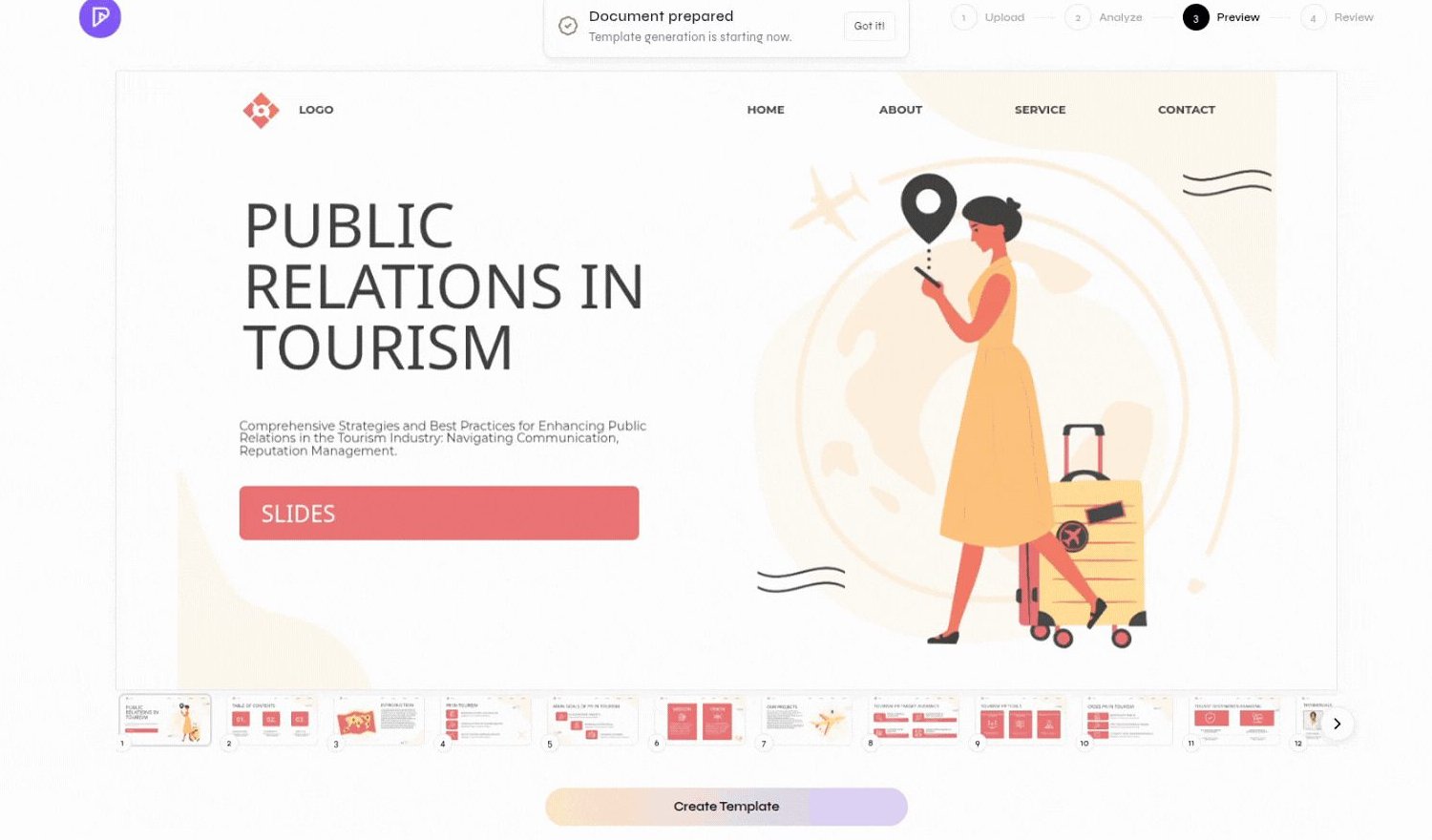
Preview source slides before creating layouts
5
Name the template
Enter a clear template name. Add a description that explains when the design should be used, then select Create.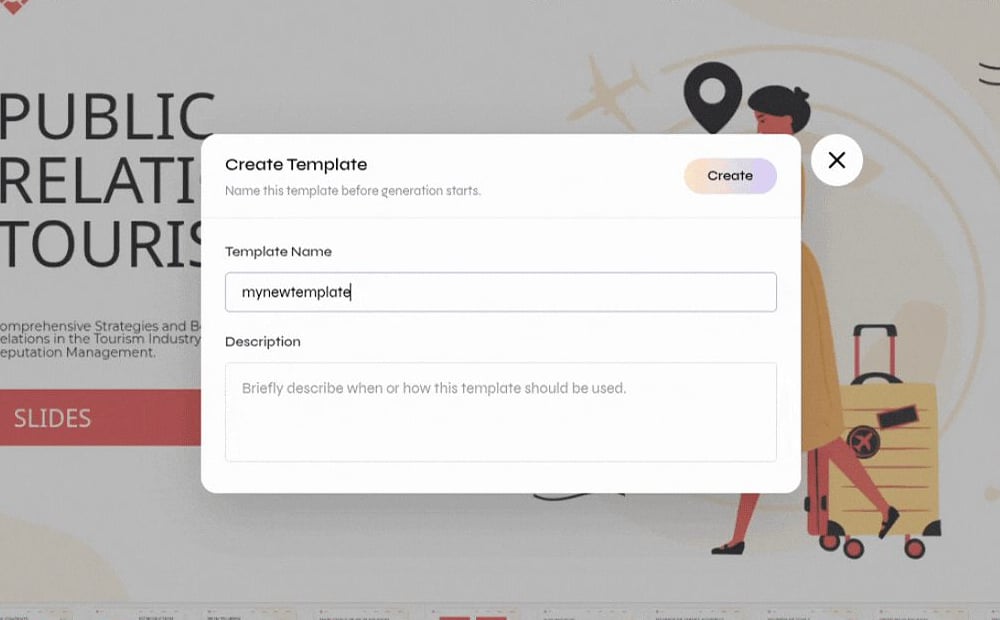
Enter the template name and description
6
Monitor template generation
The template appears in the Custom library while its layouts are generated. Wait for generation to finish before using it in a presentation.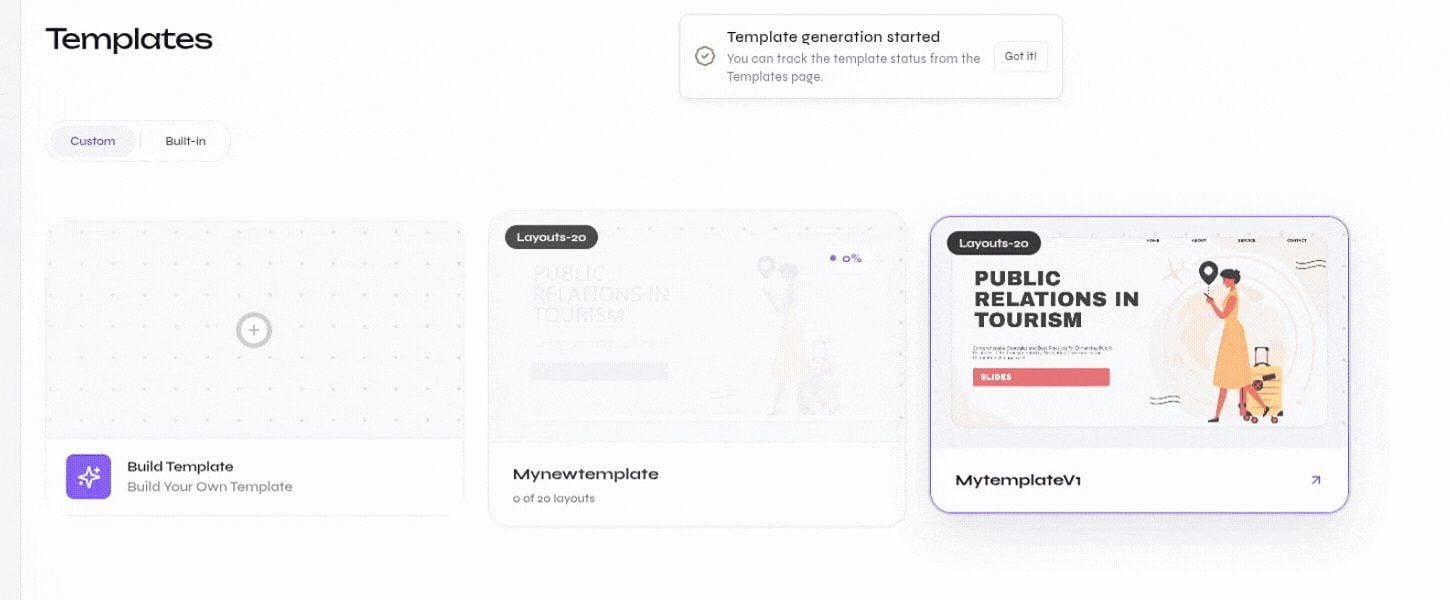
Template generation progress in the Custom library
Verify the result
After generation finishes, open the template and review its layouts. Create a short test presentation and check that text remains readable, visual elements are positioned correctly, and the exported PPTX matches the intended design.Refine the template
Edit text behavior, schema limits, reconstructed slides, and layout metadata after the template is created.
Create a presentation
Test the finished template in a short Standard presentation.