

Add an image layout
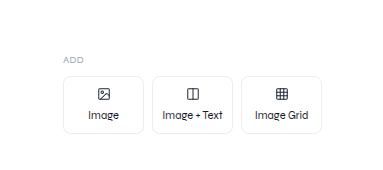
Open Images, then choose Image, Image + Text, or Image Grid.Image layouts available from the editor rail
Edit an image
Add an image, replace its content, and adjust its presentation
- Select the image element.
- Use the image controls shown for the selection to replace or adjust it.
- Resize or reposition the frame when needed.
- Confirm the subject remains visible and the image does not cover nearby content.
Edit an icon
Select an icon to change its color. Choose Change Icon to search for a more appropriate symbol, compare the available weights, and apply the replacement.Recolor and replace an icon