Add structured content
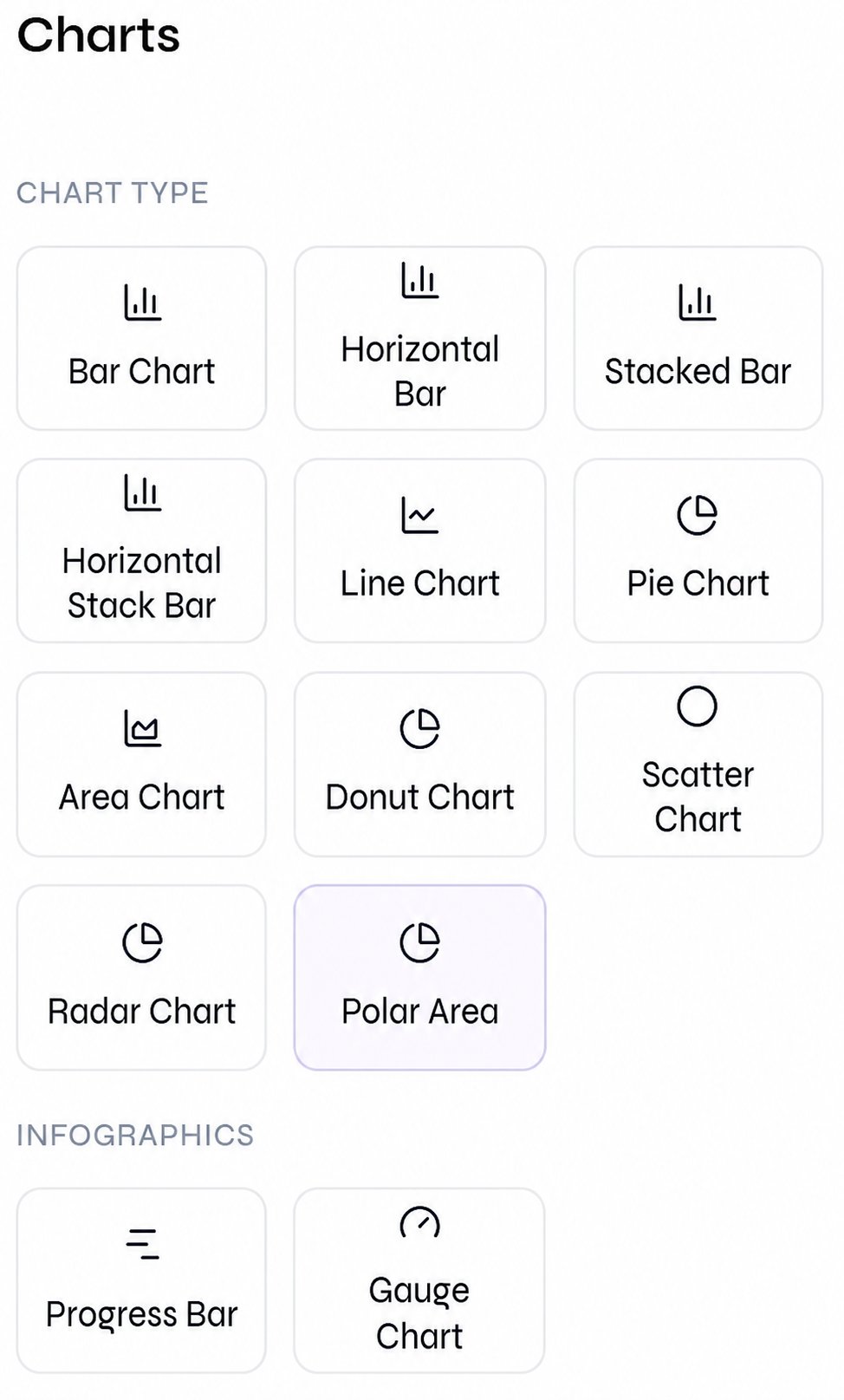
Open the appropriate editor rail, add one item at a time, and keep it selected while configuring its content and placement. This walkthrough shows the complete flow for adding a chart and a table, then editing them directly on the canvas.- Tables
- Charts
Open Tables and select Simple Table.
Simple Table available from the editor rail
Edit table cells directly on the slide